Pocket Lock
com.paep3nguin.pocketLock
View detailed information for Pocket Lock — ratings, download counts, screenshots, pricing and developer details. See integrated SDKs and related technical data.

Screenshots
Description
Featured on Lifehacker! - "Pocket Lock actually works exactly as advertised, with no fuss, and that's what makes it such a cool app to have."
Check out Pocket Lock's new home here! http://forum.xda-developers.com/android/apps-games/app-pocket-lock-t2861416
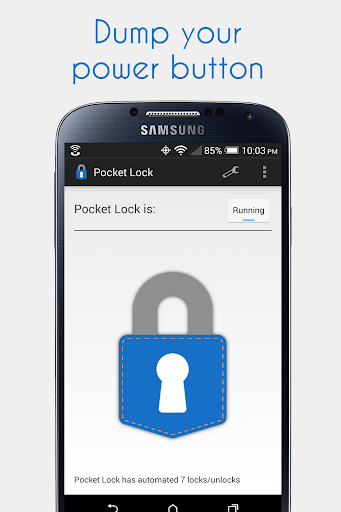
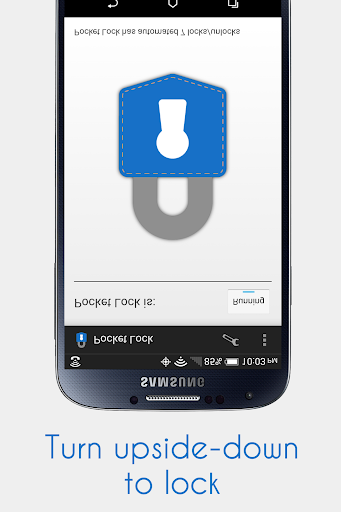
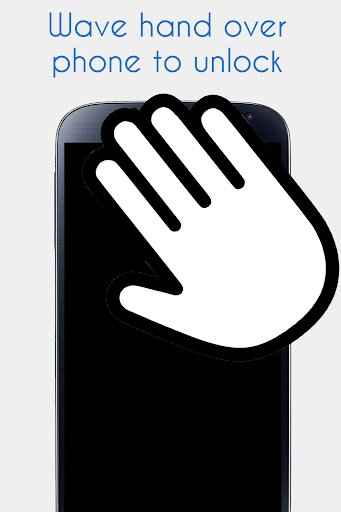
Pocket Lock intelligently locks and unlocks your phone for you. Just drop your phone in your pocket and it locks. Pocket Lock keeps your phone locked until you take it out, then it unlocks, allowing for easy use and preventing accidental activity in your pocket. Pocket Lock is great for phones with broken power buttons or flip cases.
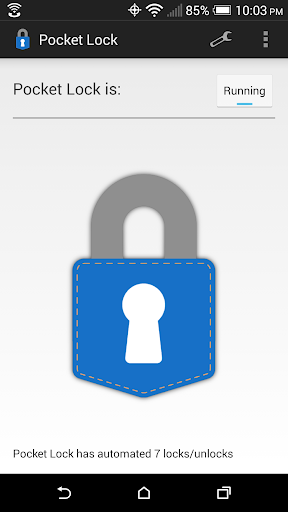
Pocket Lock is easy to set-up and forget, since it starts automatically on boot, but it also offers advanced customization options. The app is completely free and has no ads. If you have any questions, comments, or concerns, use the Send feedback option in the app to email me directly.
Features:
* Intelligently locks your phone using the proximity and gravity sensor or (accelerometer)
* Works out of the box
* Intuitive options allow for easy customization
* Keeps your phone off when in your pocket. No more pocket pictures!
* Exclude applications
* Option to only lock or unlock your phone, great for Moto X Active Display
* Disable during phone calls
* Disable when screen is rotated
Notes:
This app uses the Device Administrator permission. This is necessary in order to lock your phone screen.
Put your phone in your pocket upside down and with screen facing you for best results.
To uninstall, use the uninstall option in the app menu.
Special thanks to:
* Dave Raymond
* Rheoneil Lascano