Optimal Authenticator
com.optimalidm.authapp
View detailed information for Optimal Authenticator — ratings, download counts, screenshots, pricing and developer details. See integrated SDKs and related technical data.

Screenshots

Description
With the Optimal Authenticator, quickly and securely verify your identity for access to all of your applications.
Authentication features include:
Two-factor authentication:
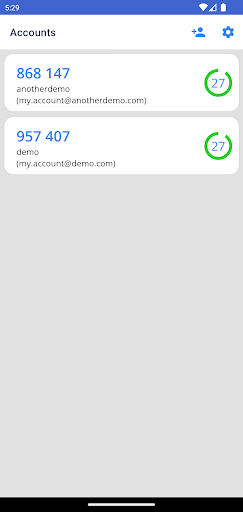
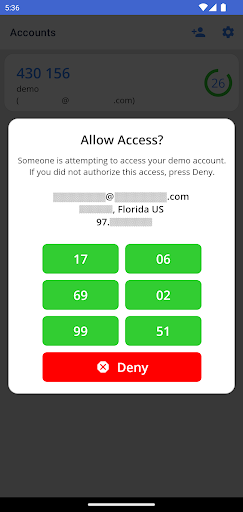
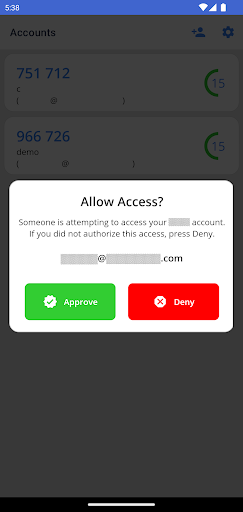
Two-factor authentication provides an extra layer of security to your account. When signing in, after entering your password, you'll be asked to provide additional verification via the app. A push notification is sent to your mobile device to alert you of a pending two-factor verification request. Simply tap on the notification to launch the app and tap Approve to complete the verification. Alternatively, you may be prompted to enter the verification code displayed in the app.
Device registration:
By registering your device through the app, organizations can verify that the sign-in request is coming from a trusted device.