Screenshot Share Tile
com.npes87184.screenshottile
View detailed information for Screenshot Share Tile — ratings, download counts, screenshots, pricing and developer details. See integrated SDKs and related technical data.
- No items.

Screenshots
Description
Share screenshot in better and smooth way.
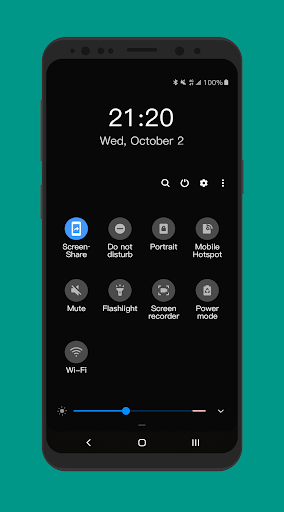
1. Click quick settings tile
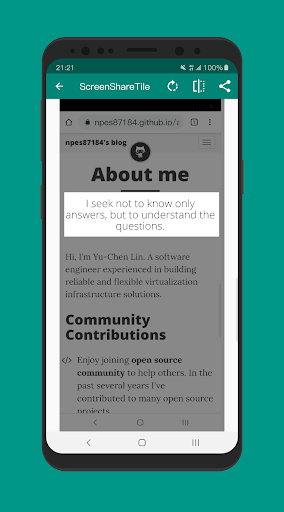
2. Crop screenshot
3. Share it!
- Note
Screen Share Tile works through its quick settings tile, before using it, tile needs to be added on notification panel manually.
To add tile
Please follow the following steps:
1. Pull down completely the notification shade.
2. Tap the edit button (on stock Android it is a pencil). The quick settings editing layout will expand and display all the available tiles.
3. Scroll down and find the screen share tile.
4. Drag the tile up to the desired position.
5. That's it!
This is an open source project, the source code can be found at https://github.com/npes87184/ScreenShareTile.
- Permissions
Screen Recording - required in order to capture screenshots
- Credit
Icon made by Freepik from www.flaticon.com