Nothing cmf Watch Face
com.nothingcmfwatchface
View detailed information for Nothing cmf Watch Face — ratings, download counts, screenshots, pricing and developer details. See integrated SDKs and related technical data.
- No items.
Screenshots



Description
Installation:
1. Make sure you watch is connected to your phone via Bluetooth.
2. Install, download and open the companion app.
3. Go to the watch Play Store, and type the exact watch name(with correct spelling and spacing) and open listing. If price still appears, wait for 2-5 minutes or restart your watch face.
4. Please also try installing the watch face via Galaxy Wearable app(install it if not installed)> Watch Faces> Downloaded and apply it to watch.
5. You can also install this watch face by accessing the Google Play Store in the web browser in a PC or Laptop. Make sure you use the same account you made the purchase from to avoid double charge.
6. If PC/laptop not available, you can use the phone web browser. Head over to the Play Store app, then to the watch face. Click the 3 dots in the upper right hand corner then Share. Use the available browser, login to the account you made the purchase from and install it there.
About the watch face:
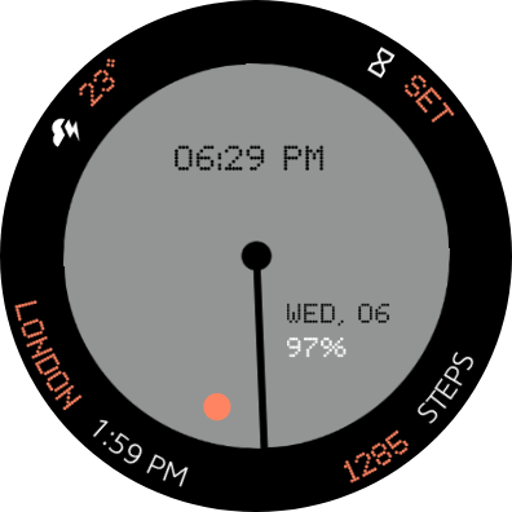
A Nothing cmf inspired watch face for your Wear OS Device.. Some features include:
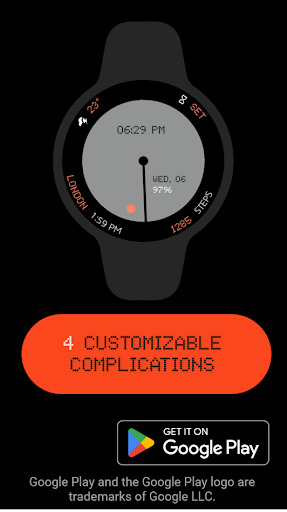
1. 4 Customizable Complications
2. A Hybrid clock consisting of a digital clock and a set of analog hands
3. Battery and Day/Date
4. 12 Color Options
More to come in future updates..