Glasstic 3D Icon Pack
com.nodeshaper.glasstic3d
View detailed information for Glasstic 3D Icon Pack — ratings, download counts, screenshots, pricing and developer details. See integrated SDKs and related technical data.

Screenshots

Description
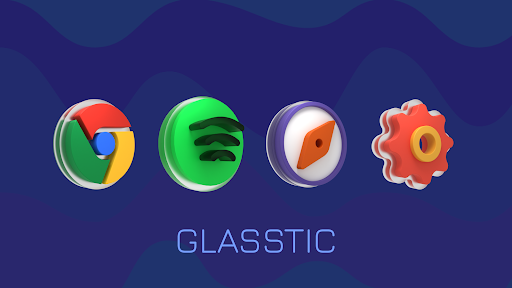
Completely Transform your Homescreen with these Clean & Vibrant 3D Icons
Features :
• 1000+ Icons and growing...
• 512 x 512 High Quality 3D Icons
• 24 Cloud Wallpapers
• New Icons added each week
• Auto Icon Masking for unthemed App Icons
• Material Dashboard
• Custom folder icons
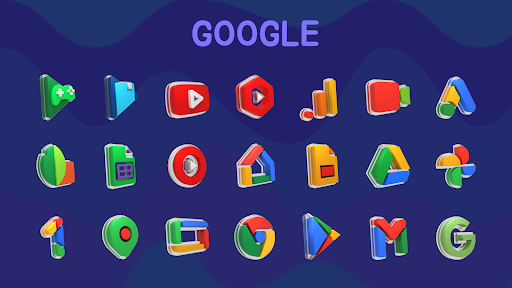
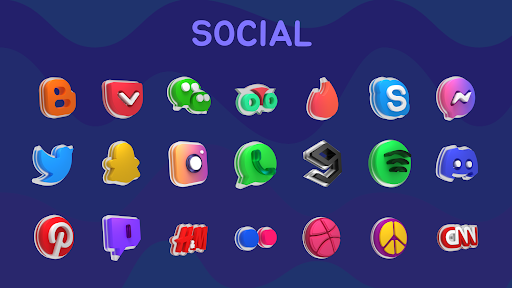
• Category-based Icons
• Custom app drawer icons
• Easy Icon Request
Support
If you have any issue with using Icon pack. Just email me at nodeshaper@gmail.com
How to use this Icon pack?
Step 1 : Install supported theme Launcher
Step 2 : Open Retromatic Icon Pack and Go to Apply section and Select Launcher to apply.
If your launcher is not in a list make sure you apply it from your launcher settings
DISCLAIMER
• A supported launcher is required to use this icon pack!
Icon Pack Supported Launchers
Action Launcher • ADW Launcher • Apex Launcher •Atom Launcher • Aviate Launcher • CM Theme Engine • GO Launcher • Holo Launcher • Holo Launcher HD • LG Home • Lucid Launcher • M Launcher • Mini Launcher • Next Launcher • Nougat Launcher •Nova Launcher(recommended) • Smart Launcher •Solo Launcher •V Launcher • ZenUI Launcher •Zero Launcher • ABC Launcher •Evie Launcher • L Launcher • Lawnchair
Icon Pack Supported Launchers not Included in Apply Section
Arrow Launcher • ASAP Launcher •Cobo Launcher •Line Launcher •Mesh Launcher •Peek Launcher • Z Launcher • Launch by Quixey Launcher • iTop Launcher • KK Launcher • MN Launcher • New Launcher • S Launcher • Open Launcher • Flick Launcher • Poco Launcher
This icon pack has been tested, and it works with these launchers. However, it may also work with others too.In case you do not found an apply section in dashboard. You can apply icon pack from a theme setting.
Extra Notes
• Icon pack needs a launcher in order to work.
• Google Now Launcher do not support any icon packs.
• Missing an Icon? feel free to send me an icon request and I will try to update this pack with your requests.
Contact Me
Email : nodeshaper@gmail.com