デジタル名刺 m4
com.networld.meishi_exchange_app
View detailed information for デジタル名刺 m4 — ratings, download counts, screenshots, pricing and developer details. See integrated SDKs and related technical data.
Total installs
133(133)
Rating
unknown
Released
February 25, 2021
Last updated
January 1, 1970
Category
Communication
Developer
有限会社エイトテクニカルサービス
Developer details
Name
有限会社エイトテクニカルサービス
E-mail
meishi4.appli@gmail.com
Website
unknown
Country
unknown
Address
unknown

Screenshots


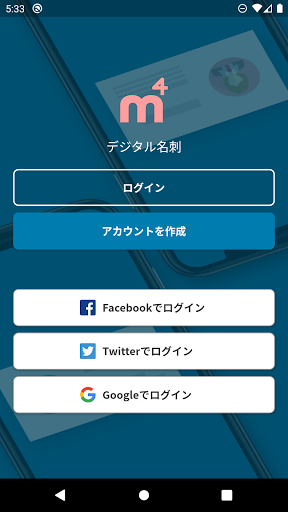
Description
Business card exchange with smartphone "Digital business card m4" creates business cards with smartphone,
You can exchange smart business cards according to the times by swiping.
function
◆ Business card creation function
-You can make a digital business card immediately by entering your name and company information.
-Since it is digital, it is easy to exchange information. Just edit and save.
-You can choose your favorite design from the design templates.
-Since you can create multiple business cards, you can use it for business or private use.
◆ Business card exchange function
-You can exchange the created business card with the user of "Digital Business Card m4".
-Simply swipe the business card to the person you want to exchange to complete the exchange! You can exchange business cards smartly.
・ You can also exchange business cards with a QR code.
・ When you exchange business cards, they will be recorded on the calendar and you will know when you exchanged them.
-The surrounding search function displays nearby users of "digital business card m4".
◆ Business card management
-If you scan a paper business card from the camera, the information will be automatically entered by the AI function.
-You can quickly find the business card you want to find with the filtering function.
・ You can make a call, send an e-mail, or browse the site from the phone number, e-mail, or URL of the business card.