PDF Tools – PDF Utilities
com.nenotech.pdftools
View detailed information for PDF Tools – PDF Utilities — ratings, download counts, screenshots, pricing and developer details. See integrated SDKs and related technical data.

Screenshots



Description
📄 PDF Tools – PDF Utilities | All-in-One Mobile PDF Editor
Your Ultimate Mobile PDF Toolkit!
Fast, lightweight, and powerful – PDF Tools – PDF Utilities is the #1 free PDF editor and converter app for Android and iOS in 2025. Whether you want to merge PDFs, split pages, lock or unlock PDFs, or add watermarks, this easy-to-use app handles everything directly from your mobile device.
Perfect for professionals, students, or anyone working with documents on the go!
🔧 Top Features of PDF Tools – PDF Utilities:
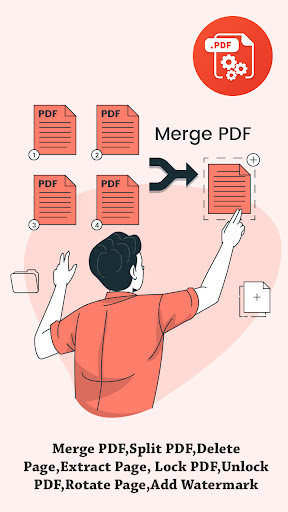
✅ Merge PDFs
Combine multiple PDFs or images into a single document with just a few taps. Ideal for reports, invoices, or scanned pages.
✅ Split PDF
Extract individual pages or split large PDFs into smaller, more manageable files.
✅ Lock/Unlock PDF (Password Protection)
Secure your documents with encryption or remove passwords to access files quickly.
✅ Rotate PDF Pages
Fix page orientation—rotate one or multiple pages by 90°, 180°, or 270° clockwise.
✅ Delete or Reorder Pages
Remove unwanted pages, reorder content, or eliminate empty pages to clean up your documents.
✅ Add Watermarks
Add custom text or image watermarks with flexible font, color, and position settings.
✅ Extract PDF Pages or Images
Pull out specific pages or all embedded images from a PDF document for separate use.
✅ Compress PDF (Coming Soon!)
Shrink file size without losing quality—perfect for email or quick sharing.
✅ Scan to PDF (Coming Soon!)
Turn your phone into a portable scanner! Convert camera images or gallery photos into high-quality PDFs.
💼 Perfect For:
Business professionals working remotely
Students managing study material
Creators & designers editing contracts or proposals
Anyone who needs a reliable mobile PDF editor or PDF converter
🚀 Why Choose PDF Tools – PDF Utilities?
User-friendly Interface – No learning curve; just open and use.
Fast & Lightweight – Designed for smooth performance on all Android & iOS devices.
Secure & Private – Your documents stay on your device. No server upload.
100% Free Tools – No hidden charges or watermarks.
📥 Download PDF Tools – PDF Utilities now and take control of your documents—anytime, anywhere!