Convert to PDF
com.mydevelopments.convertpdf
View detailed information for Convert to PDF — ratings, download counts, screenshots, pricing and developer details. See integrated SDKs and related technical data.

Screenshots
Description
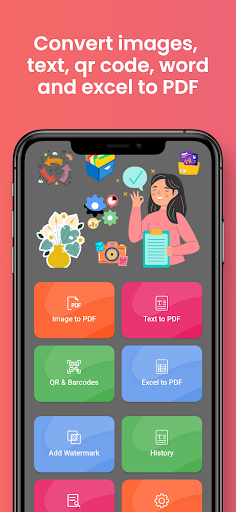
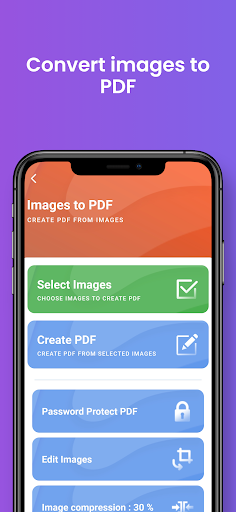
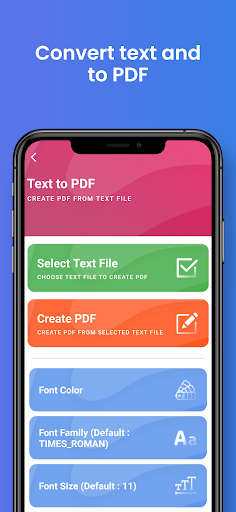
Convert your images, texts, excel, QR code contents to watermarked PDF with Convert PDF application. With this application, you can make many settings while converting your documents to pdf. For example, you can adjust the size, font types, font sizes of your images. If you want, you can put a password on your PDF document. You can add a watermark to your PDF document. You can see the document history. You can read your QR codes and convert their contents to pdf. You can easily convert your Word document, excel document to pdf. Moreover, thanks to its user-friendly interface, you will not have any difficulties while using Convert PDF. You will be able to use this application as a PDF converter. You can convert image to pdf and word to pdf. You can use this app as pdf maker. If you want convert jpg to pdf you can use this app.