Video Background Changer
com.mw.video.background.changer.remover
View detailed information for Video Background Changer — ratings, download counts, screenshots, pricing and developer details. See integrated SDKs and related technical data.

Screenshots

Description
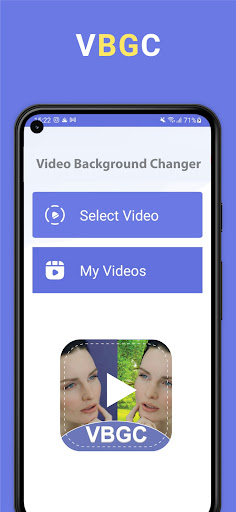
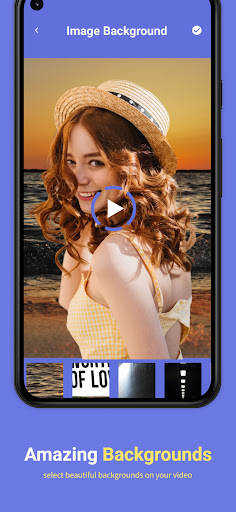
Video Background Changer is a revolutionary app which provides video editors to change video background in seconds. Add any background image to your video as its background.
VBGC provides a-lot of features along with just video background changer. Vlog background video editor brings huge collection of attractive backgrounds and video backgrounds to add in along with music.
Features of Pro Video Editor Background changer:
* Attractive and huge collection of backgrounds
* Video backgrounds to make your video more awesome
* Instantly share with friends and family
* Add background music of your choice
* Edit video with editing tools to be a pro video editor
* Add text and stickers to your video
* Apply cool video effects and filters
* Green screen effects and pro vid editor
Premium Feature:
- Upload video as long as you want (No Limits)
- No more Ads
- All premium features are free (New or Old)
How to use Video Background remover
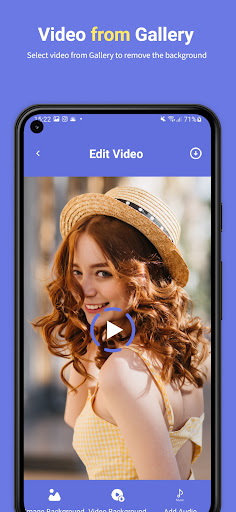
There are few simple steps to get video with new attractive and different backgrounds. Select a video from gallery of which you want to change background. In next step you have to select image or video background. Select music or audio to set it background music. After finalizing your video you can edit it with video editing tools. At the end you can share it with friends and family.
Note: Video background changer work with human detection. With no human in video it won’t work properly.