Smart Connect
com.motorola.mobiledesktop
View detailed information for Smart Connect — ratings, download counts, screenshots, pricing and developer details. See integrated SDKs and related technical data.

Screenshots
Description
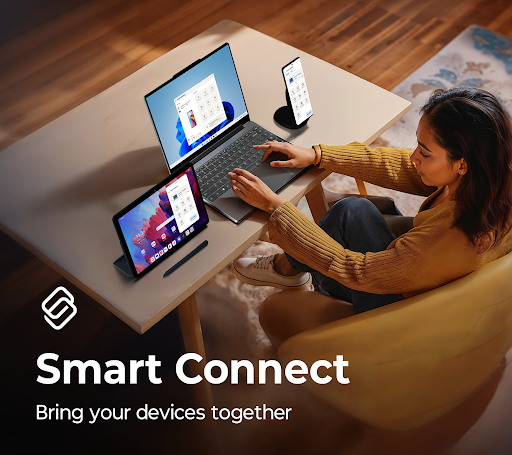
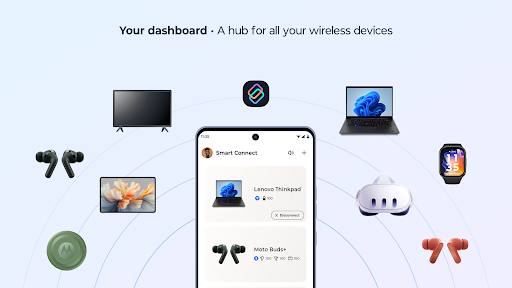
Smart Connect unifies your digital life across phone, tablet, and PC. Move between screens without missing a beat. Control, share, and stream content anywhere in your ecosystem.
Key features:
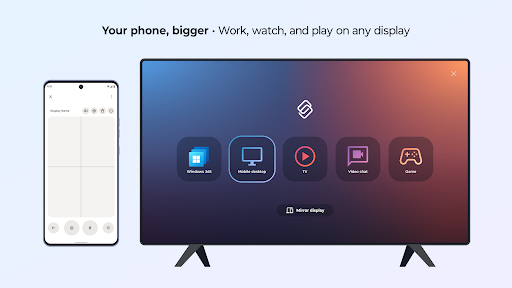
• Stream your favorite apps and media from your phone or tablet to your PC or smart display.
• Find and share files, photos, and content across all your devices with cross-device Search and Share Hub.
• Turn your phone into a full desktop-style workspace for multitasking on the go with Mobile Desktop.
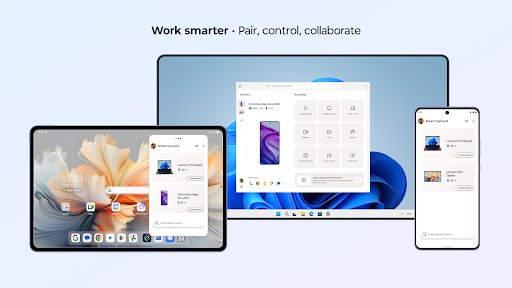
• Use Cross Control to extend or mirror your PC screen to your tablet.
• Check and reply to your phone’s Messages from the PC dashboard.
• Use your phone or tablet’s high-resolution camera with Webcam for clear, professional video calls.
• Copy text or screenshots on one device and paste them on another with Clipboard.
Smart Connect requires elevated permissions to install and use this app.
A Windows 10 or 11 PC with Bluetooth and a compatible phone or tablet is required.
Feature compatibility may vary by device. Click the link to see if your phone or tablet is compatible: https://help.motorola.com/hc/apps/smartconnect/?t=compatible