RMU2 Config
com.mobiltex.RMU2config
View detailed information for RMU2 Config — ratings, download counts, screenshots, pricing and developer details. See integrated SDKs and related technical data.

Screenshots
Description
*** Requires a corTalk® RBT1 and RMU2 to use. ***
Contact us at 'sales.rmu2@mobiltex.com' to purchase.
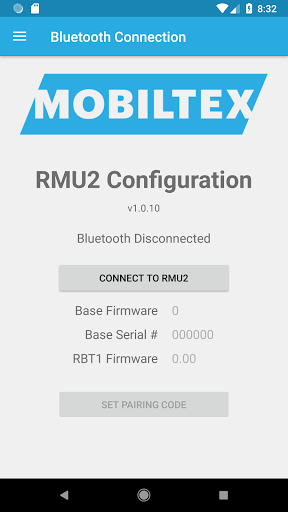
This app is for configuring the corTalk® RMU2 (Remote Monitoring Unit 2) with the new RBT1 Bluetooth interface cable. The cable functions as a complete RMU2 programming interface but only requires the Bluetooth connection of your phone. The RMU2 is used to monitor a cathodic protection rectifier with accurate measurement of a wide variety of signals. This app allows access to diagnostic information on the RMU2 and allows setting up the configuration to meet the customer's needs.
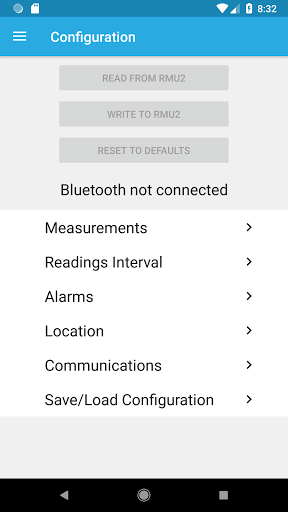
The app allows full configuration of the RMU2 including
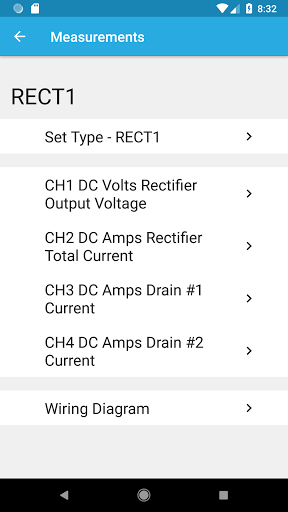
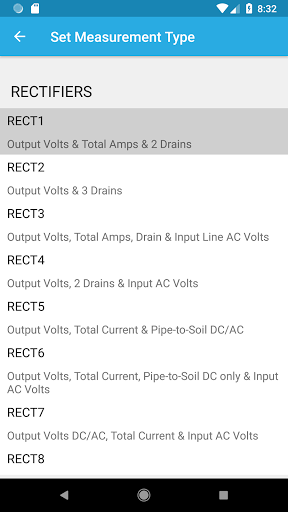
- slot measurement types
- limits
- slot scaling and offset
- location
Other features include the
- viewing of readings and their limits
- detailed status screen for troubleshooting
- integrated manual
- wiring diagrams for each measurement type
The RBT1 is always in a Bluetooth pairing mode and requires a pairing code entered on the app. The pairing code (default=123456) can be found and changed with the app or reset by tapping the RBT1 5 times in 10 seconds with a user-supplied magnet. Once paired, the Android device can reconnect without needing to re-enter the code.