Mission Bank Treasury Mgmt
com.missionbank.treasurymanagement
View detailed information for Mission Bank Treasury Mgmt — ratings, download counts, screenshots, pricing and developer details. See integrated SDKs and related technical data.
- No items.

Screenshots

Description
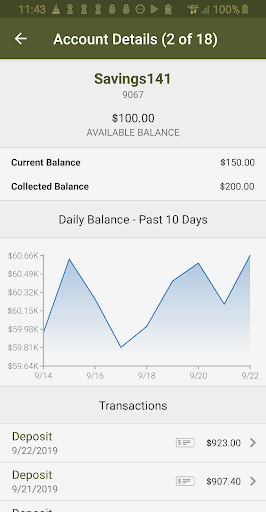
View your accounts, transactions (including check images), make transfers, receive alerts, and more – it’s convenient and secure using our free Treasury Management Services mobile app.
To use the mobile app you must first be enrolled in Mission Bank Treasury Management Services. You’ll sign on using the same Company ID, Login ID and Password you use for the online channel, or if available on your device, biometric authentication can be used.
It’s that easy!
Users with the appropriate entitlements can also:
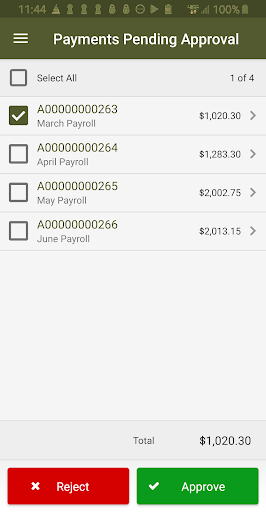
• Approve ACH transactions
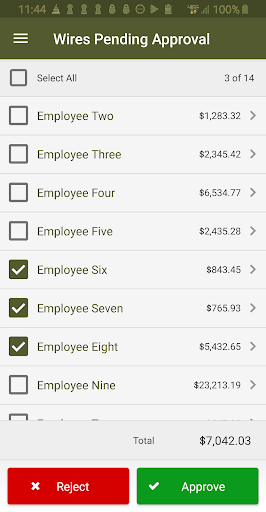
• Release wires to the bank
• Make Pay/Return decisions on check and ACH Positive Pay
• Deposit checks (requires the Mission Bank Business mRDC product)
Connectivity and usage fees may apply to some mobile banking features. Contact your wireless service provider for details.