Guide For XIAOMI MI WATCH LITE
com.mi.watchlite
View detailed information for Guide For XIAOMI MI WATCH LITE — ratings, download counts, screenshots, pricing and developer details. See integrated SDKs and related technical data.
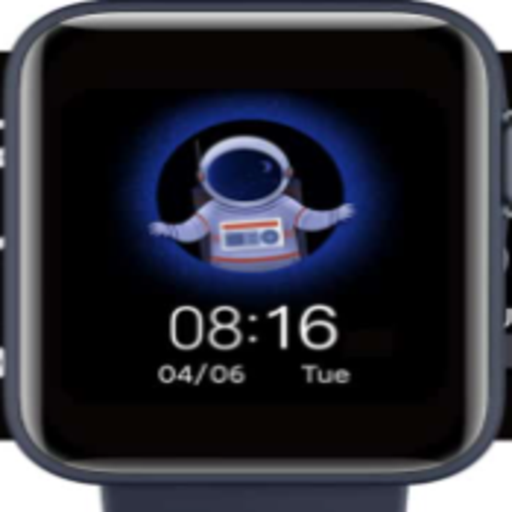
Screenshots


Description
1. Download Wear OS and Xiaomi Wear app from iOS or Play Store
2. Now go to the Bluetooth & enable it on your smartphone & Mi Watch
3. Open the Wear OS app
4. Follow all the instructions to connect with your watch
5. Finally, open the Xiaomi wear app and pair the watch
Now you are ready to use the Mi Watch after it synchronizes all the essential settings. Give some time. At first, it takes some time to load all the settings & apps. Xiaomi Wear app is useful to manage e-SIM, digital payment cards, and to track exercises. Don’t uninstall Wear OS or Xiaomi Wear apps otherwise you won’t go ahead. Both apps work fine on Android as well as iOS platforms and don’t take too much time to pair.