Floral - Watch Face
com.mhzdev.watchface.floral
View detailed information for Floral - Watch Face — ratings, download counts, screenshots, pricing and developer details. See integrated SDKs and related technical data.
Screenshots
Description
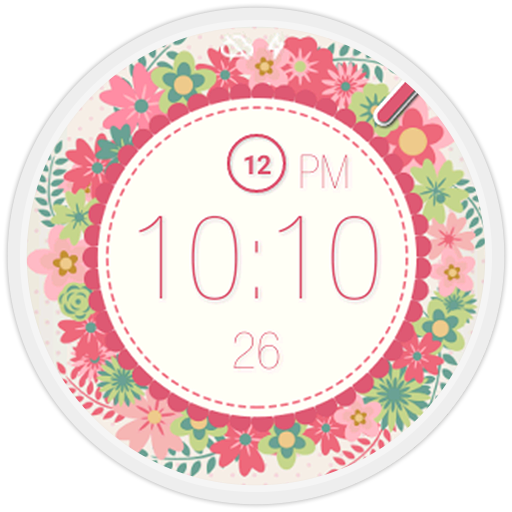
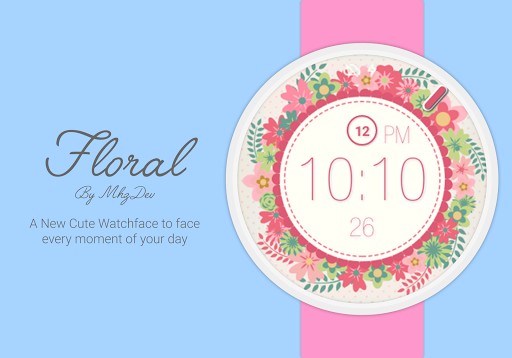
Floreal is a simple and beautiful WatchFace for your Smartwatch.
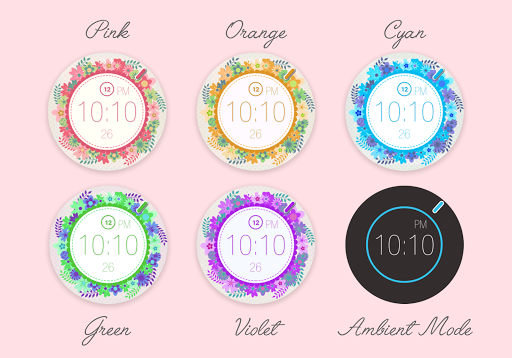
Floral has a digital interface plus a smooth second hand, you can choose between five beautiful floral backgrounds to face every moment of your day.
This Watchface is compatible with all Android Wear Smartwatches (Moto 360, G Watch R, Asus Zenwatch, etc.)
Features:
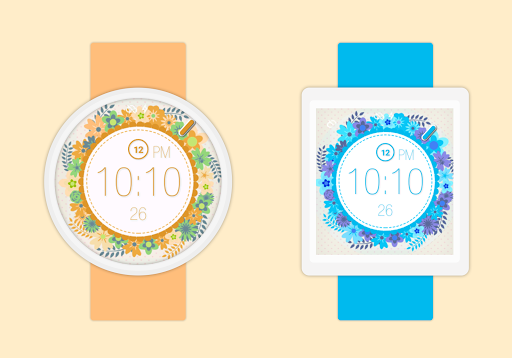
✔ Support both round and square displays
✔ Different background that can be changed every time you want
✔ Displayed additional information like numeric date and analog second
✔ Customizable date and theme
✔ Intregrated configurations options (Both Watch and Phone)
How to use:
● Once you install the app, the watchface will be automatically transferred to your watch. (may take a few minutes)
● Select the watchface by long press your current watchface and select the one that you have installed.
● The customization options are accessible by long pressing the watch face, or directly from the Android Wear app.
● Enjoy your new beautiful Watchface!
Note:
● If you’re not satisfied, you can get a refund within 15 minutes from the purchase.
● If you have a problem, before express a bad rating, please give us a chance to help you, Send a feedback to quantumdust.mobile@gmail.com
● Like this watchface? Check out our other cool watchfaces! http://goo.gl/3onPw7
Follow MhzDev on Google+: http://goo.gl/Uo9KEE