Spring Collection Watch Face
com.meowsbox.watchface01
View detailed information for Spring Collection Watch Face — ratings, download counts, screenshots, pricing and developer details. See integrated SDKs and related technical data.

Screenshots


Description
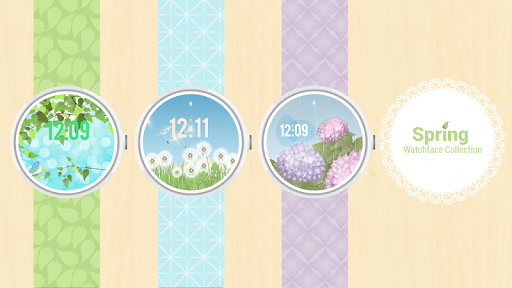
The Spring Collection has arrived!
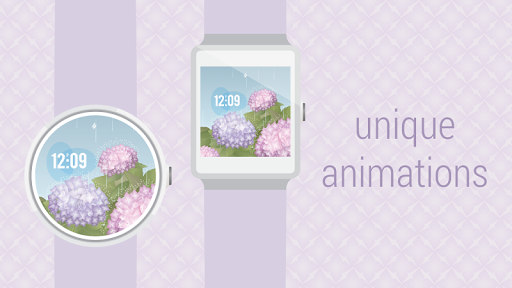
Discover three captivating watch face designs with original art and animations. See our video for a full preview, try all three watchfaces for 24 hours completely FREE!
Features
☆ Designed for the Moto360
☆ Works with square displays too
☆ Digital 24 or 12 hour clock
☆ Optional AM-PM
☆ Battery-efficient ambient mode
☆ Basic low-bit ambient for OLED displays
Instructions
Open the Android Wear app on your phone or tablet, touch the watch face you want to appear on your Android Wear device. (Dandelion, Hydrangea, or Spring Bird). Change options by touching the gear icon.
Please keep your paired devices in communications range and allow up to 15 minutes for watch faces to appear on your Android wear device after downloading from Google Play.
Questions, comments or complaints?
Contact our support staff directly at support@meowsbox.com. Real humans are here to assist you.
Privacy
Your privacy is important to us - this watchface app does not share your personal information.