Meho Geoboard
com.meholand.geoboard
View detailed information for Meho Geoboard — ratings, download counts, screenshots, pricing and developer details. See integrated SDKs and related technical data.
Screenshots

Description
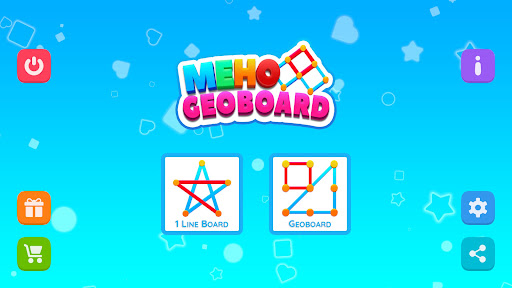
Meho Geoboard app is a learning tool for young and adults. it's a tool for brain exercise, creative drawing, and practicing geometric shapes it's simple yet fun.
You can draw any shape using multiple colors, adjustable virtual rubber bands, and a board toolbox on various boards.
Meho Geoboard app is fun for personal learning and middle-grade math exercises, fraction primary, and creative drawing.
Also, small boards can be used for toddlers to learn motor and basic writing skills.
=== App Features ===
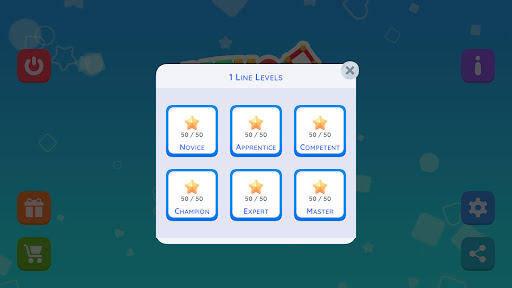
- New 300 "Single Line" puzzles waiting for you to solve
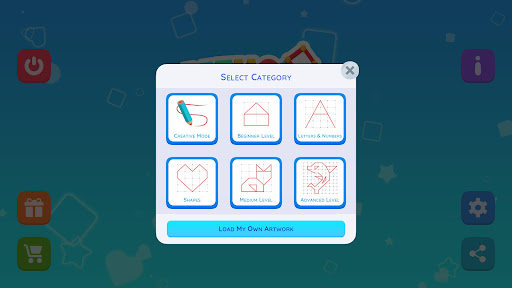
- 300 predesigned geo-artworks preview and help tips
- Creative mode for unlimited creativity with 6 different
- Different geoboards with a variety of shapes and complexity.
- Tools to create line segments and polygons by stretching bands across board pins.
- Different colors for new and selected shapes.
- Use the "Color Wheel" for fun color selection.
- Drag indicator colors "red to delete, and green to move".
- Right hand, left hand no problem, comfort use for everybody.
- Toggle fill color for selected or all shapes.
- Toggle board lines and numbers on and off.
- Delete selected or all shapes to start over.
- Save your work and continue anytime.
- Save a copy of your work to your gallery automatically.
- Share your work with others using the available sharing app on your device.
- Flexible layout and well-designed for portrait layout as well as landscape.
- Dark & Lite Color Theme
- Enjoy using the app in "English, French, Spanish, German, and Arabic" and more to come.
And, we would love to hear from you. Got some thoughts? great, please share and we shall consider them in future updates.
Have Fun!