Engino kidCAD (3D Viewer)
com.mdl.engino
View detailed information for Engino kidCAD (3D Viewer) — ratings, download counts, screenshots, pricing and developer details. See integrated SDKs and related technical data.
Screenshots

Description
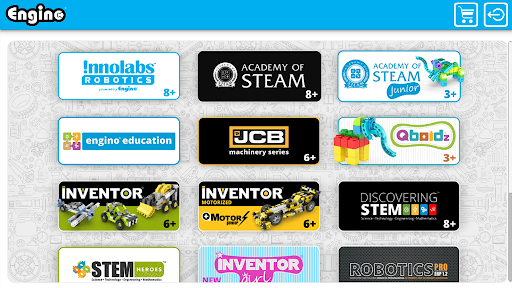
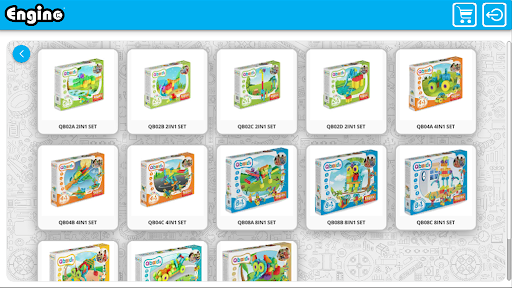
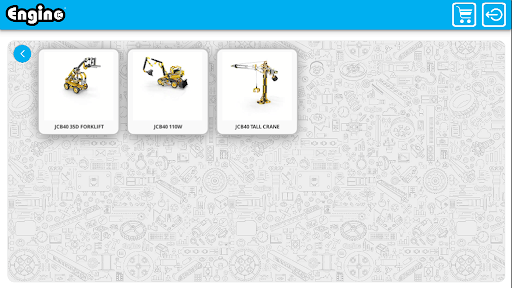
ENGINO is perhaps the only construction system that originated directly from Education. Originally inspired by teachers for the Design and Technology classroom, it evolved to an award winning product which covers from Structures to Mechanisms, Renewable energy and even Robotics Control. The patented geometry of the ENGINO components allows connectivity to all directions of the 3D space with a simple snap-fit method, making it very easy even for children at the age of Primary Schools to build complex models. The 3D model viewer application has been created to allow easy access to new models developed by the ENGINO team and gradually the users themselves. All ENGINO sets have printed step by step instructions for the main models but many additional models can be created. With the new generation of technology where smart phones and tablets have become a part of every-day life, it is essential to enable the users to see new model ideas on these devices. The model viewer has an extensive library of models, continually updated, from cars to motorbikes, planes, helicopters, trucks, cranes and many more! The user can select which model to view and once this is loaded to the application, then the user can rotate the model to see it from various angles, he can zoom in to observe connecting details and most importantly he can explode the model and see how each part connects to the other one.