Max Mag Detector
com.maxcom.magdetector
View detailed information for Max Mag Detector — ratings, download counts, screenshots, pricing and developer details. See integrated SDKs and related technical data.

Screenshots
Description
Max Mag Detector is a handy tool that utilizes your smartphone's built-in sensors to measure magnetic fields and detect nearby metallic objects. Whether you're exploring your surroundings, checking magnetic interference, or simply satisfying curiosity, Max Mag Detector is always ready to assist you with sound, vibration, and visual alerts.
Key Features
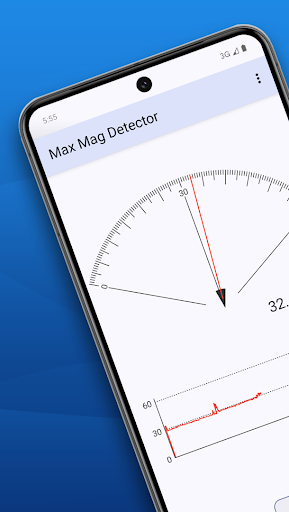
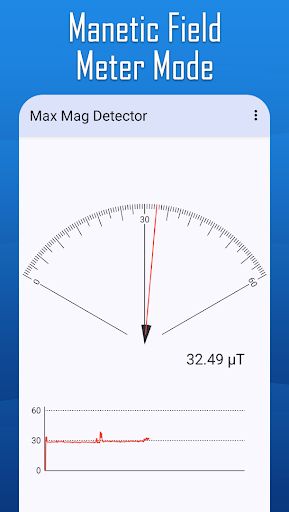
1. Magnetic Field Meter: Display surrounding magnetic field intensity in real-time with numeric and scale indicators.
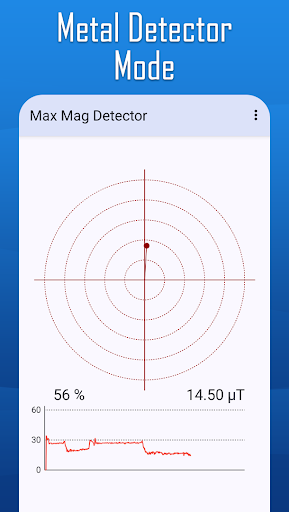
2. Metal Detector: Detect nearby metallic objects using sound, vibration, and screen color changes.
3. Adjustable Sensitivity: Customize detection sensitivity with ease.
4. Auto Range Adjustment: Automatically adjust the measurement scale for optimal results.
5. User-friendly Interface: Simple and intuitive design for quick access to features.
How to Use
Magnetic Field Meter:
1. Open the Magnetic Field Meter feature to display magnetic field values in real-time.
2. Use the Change Scale button to adjust the measurement range manually.
Metal Detector:
1. Open the Metal Detector feature and move your device near a metallic object to observe changes in sound, vibration, and screen color.
2. Press the Reset button to recalibrate the detector based on the current magnetic field.
Your go-to tool for quick and convenient magnetic field detection!