Maps Share
com.mawistudios.maps_share
View detailed information for Maps Share — ratings, download counts, screenshots, pricing and developer details. See integrated SDKs and related technical data.
- No items.

Screenshots
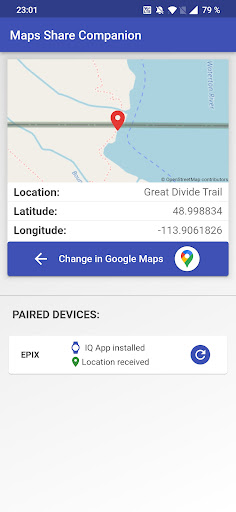
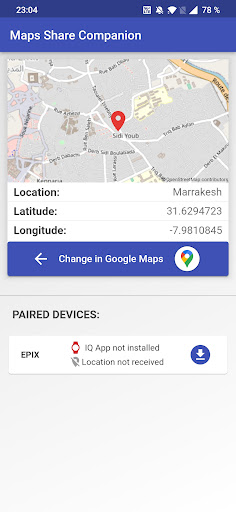
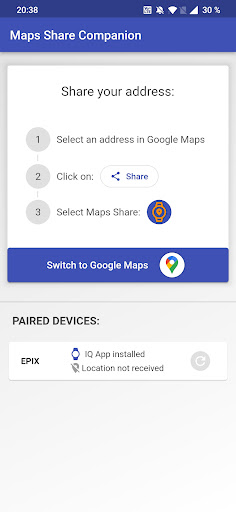

Description
Share Google Maps locations with your Garmin device.
Please install the Maps Share IQ App (https://apps.garmin.com/de-DE/apps/e867c61d-5e7c-4943-b912-627cd794279b) on your Garmin device.
1. Download and install the Maps Share IQ App on your Garmin device.
2. Share your location from Google Maps to the Maps Share Companion App.
3. Attain a notification with the coordinates on your device.
4. Either navigate directly or save the location on your Garmin device for later.
You can even add a navigation location during an activity:
1. Stop the activity and click on "resume later".
2. Follow the process above and save the location.
3. Continue the activity and select the new location for navigation.