Mixt - Gradients & Patterns
com.massive.papaya.mixt
View detailed information for Mixt - Gradients & Patterns — ratings, download counts, screenshots, pricing and developer details. See integrated SDKs and related technical data.

Screenshots


Description
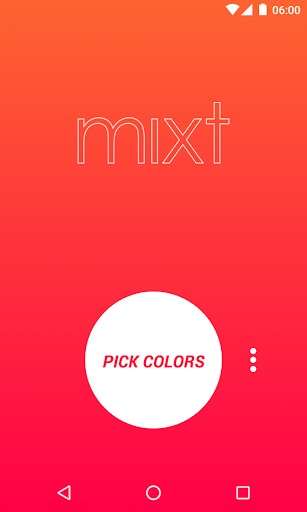
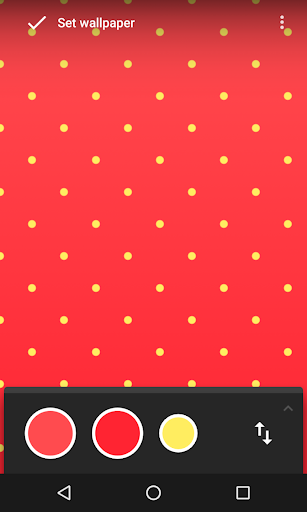
Mixt allows you to generate a gradient by choosing two colors of your choice and set it as wallpaper.
Completely Ad-Free.
Pro Tips!
For best results don't use colors far from each other in the color spectrum (eg. red and blue, or complementary colors).
Instead, use colors close to each other or the same color with different brightness (eg. lime and cyan, or light blue and dark blue).
If you use colors much different from each other, use them with high brightness (eg. light red and light blue).
But in the end of the day, you are the one who choose what's best for your phone! :)
Developed with ♥ in Thessaloniki.
When applying a saved gradient image from your gallery don't use android's wallpaper chooser, because the image is compressed again, and as a result gradient banding appears. Instead use an app like QuickPic to choose the wallpaper.
Follow us on Google+:
http://goo.gl/ViKdVE
Like us on Facebook:
https://www.facebook.com/massivepapaya
Permissions explained:
READ_EXTERNAL_STORAGE
WRITE_EXTERNAL_STORAGE
are needed for saving the wallpaper to your device.
SET_WALLPAPER
SET_WALLPAPER_HINTS
for taking the right dimensions of your screen and applying the wallpaper.
VIBRATE
for vibration touch feedback.