비즈아이 비즈도매 beadslatte
com.makeshop.powerapp.beadslatte
View detailed information for 비즈아이 비즈도매 beadslatte — ratings, download counts, screenshots, pricing and developer details. See integrated SDKs and related technical data.

Screenshots

Description
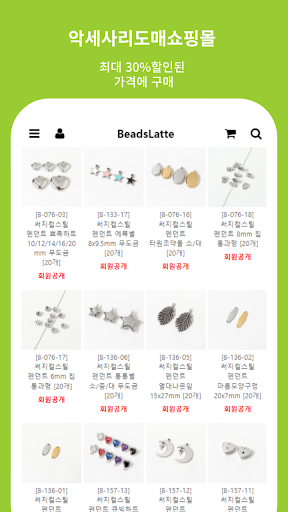
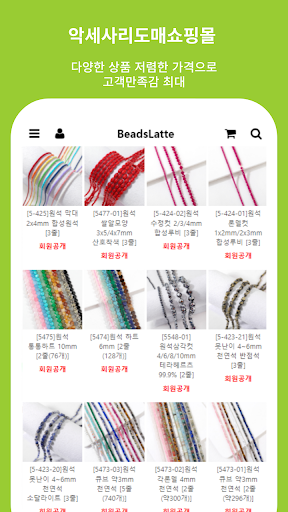
This is a wholesale shopping mall specializing in bead materials and accessory materials.
Main products include surgical steel, seed beads, gemstones, acrylic, crystal, glass, pearl, mother-of-pearl, wood, as well as metal, epoxy pendants, metal balls, various accessory materials, hair ribbon materials, knotted strings, and gift wrapping products. It is on sale.
■ Information on app access permissions
In accordance with Article 22-2 of the Act on Promotion of Information and Communications Network Utilization and Information Protection, etc., consent to ‘app access rights’ is obtained from users for the following purposes.
We only provide essential access to items that are absolutely necessary for the service.
You can use the service even if you do not allow optional access items, and the details are as follows.
[Contents about required access]
1. Android 6.0 or higher
● Phone: When running for the first time, access this function to identify the device.
● Save: Access this function when you want to upload a file, use a bottom button, or display a push image when writing a post.
[Contents about selective access]
1. Android 13.0 or higher
● Notifications: Access this function to receive push notifications.
[How to withdraw]
Settings > App or application > Select the app > Select permissions > Select consent or withdrawal of access permissions
※ However, if you run the app again after revoking the required access information, the screen requesting access permission will appear again.