천싸요 - 원단,부자재 전문 쇼핑몰 1004YO
com.makeshop.powerapp.angelyo
View detailed information for 천싸요 - 원단,부자재 전문 쇼핑몰 1004YO — ratings, download counts, screenshots, pricing and developer details. See integrated SDKs and related technical data.
Screenshots
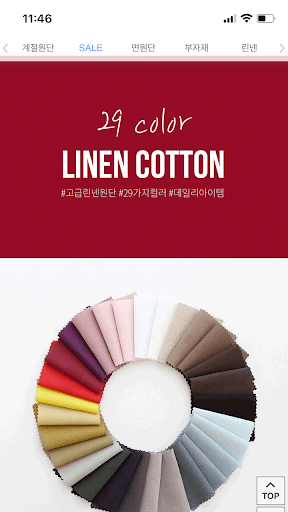
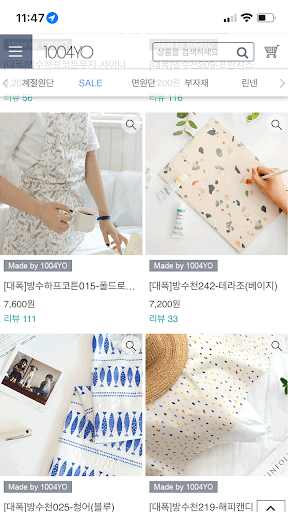
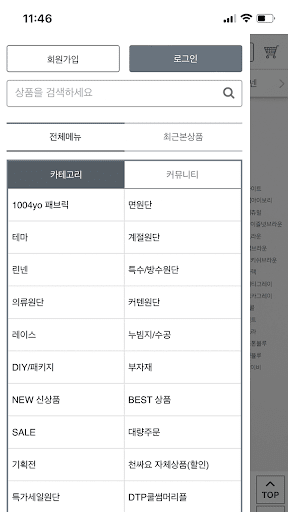

Description
Fabric shopping mall, cheap fabrics
Korea’s No. 1 online shopping mall for fabric accessories
Cotton, linen, plain fabric, waterproof fabric, special fabric, clothing fabric, subsidiary materials, etc.
This is a fabric shopping mall that is great for sewing.
Bedding, home fashion, clothing, home decor, various accessories, etc. that can be used in everyday life
Decorate it beautifully with various fabrics.
■ Information on app access permissions
In accordance with Article 22-2 of the Act on Promotion of Information and Communications Network Utilization and Information Protection, etc., consent to ‘app access rights’ is obtained from users for the following purposes.
We only provide essential access to items that are absolutely necessary for the service.
Even if you do not allow optional access items, you can still use the service, and the details are as follows.
[Contents about required access]
1. Android 6.0 or higher
● Phone: When running for the first time, access this function to identify the device.
● Save: Access this function when you want to upload a file, use a bottom button, or display a push image when writing a post.
[Contents about selective access]
1. Android 13.0 or higher
● Notifications: Access this function to receive push notifications.
[Withdrawal Method]
Settings > App or application > Select the app > Select permissions > Select consent or withdrawal of access permissions
※ However, if you run the app again after revoking the required access information, the screen requesting access permission will appear again.