5G 4G Force LTE Network
com.lte.force5g
View detailed information for 5G 4G Force LTE Network — ratings, download counts, screenshots, pricing and developer details. See integrated SDKs and related technical data.
Screenshots


Description
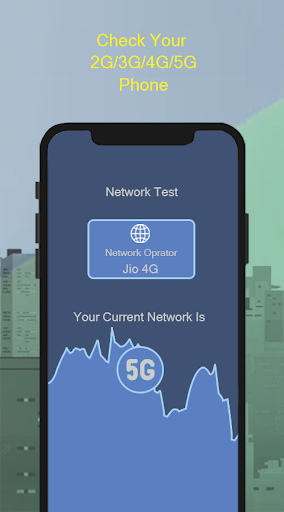
This Application allows you to change your smartphone network to 5G(If Supported), 4G LTE, 3G, Which is not displayed in your smartphone settings.
Using this app you cane easily open hidden settings menu where advanced network configurations can be selected.
This app helps you to find and search for 5G(If Supported)/4G LTE stable signal. Once you locked to 5G(If Supported)/4G LTE Mode, no other 2g/3g signals won't be catch by your phone so your device will always be in 5G/4G LTE Only Network.
⭐ Features :
-> Switch into 5G network (NR)(If Supported), LTE only(4G), EvDo only, CDMA only, WCDMA network, GSM only, just in one click.
-> Advanced Network configurations.
-> Lock your phone in 5G(If Supported)/4G/3G/2G mode for stable network signal.
-> Check your Device Information.
-> Switch mode for faster internet experience.
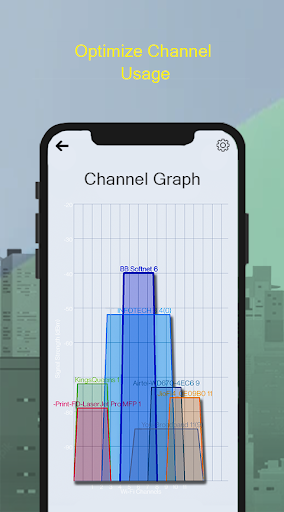
-> Check Wifi Strength.
-> Identify nearby Access Points.
-> Graph channels signal strength.
* How to Use :
-> Open "5G 4G Force LTE" Setting in app.
-> Select "Open Settings" to switch mode.
-> Scroll down and find the Option "Set preferred network type".
-> Click on LTE Only For 4G or Click on LTE/UMTS auto(PRL).
* Note:
-> For 5G mode your phone needs to be 5G compatible and for 4G your mobile needs to be 4G compatible.
-> This application will not work if in your area there is no 4G/5G network.
-> This application will not work if the smartphone does not support 4G/5G networks.
* Disclaimer:
⛔️. This 5G/4G Force LTE Only app is not work on all smartphones. Some smartphones restrict the force switching mode.