AppLock Master - protect apps
com.lexing.applock
View detailed information for AppLock Master - protect apps — ratings, download counts, screenshots, pricing and developer details. See integrated SDKs and related technical data.
Screenshots
Description
AppLock Master can prevent unauthorized access, protect privacy. Lock your Gallery, SMS, Facebook, WhatsApp, TikTok, Messenger, Snapchat, Instagram incoming calls and any app you choose.
It keeps your phone safe and you will never worry about:
★ Friends borrow to play games.
★ Children play with phone and change settings.
★ Workmate gets phone to look your gallery.
★ Kids mess up settings, send wrong messages.
★ Or anyone reading personal data in the app.
---Features---
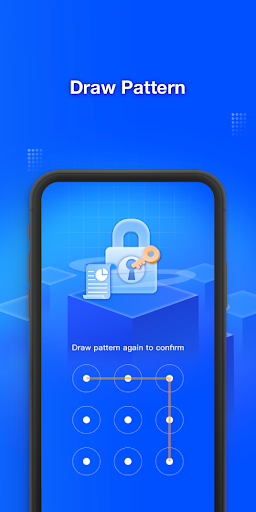
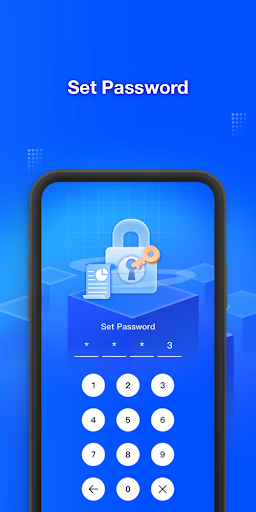
• Lock all apps on Android phone with pin password or pattern
• Prevent AppLock Master being killed by task killer
• Lock system settings to prevent a mess by kids
• Prevent uninstalling apps
• Low memory usage.
---FAQ---
1) How to change password?
Open AppLock Master, enter setting menu, change password.
2) How to stop uninstalling AppLock Master?
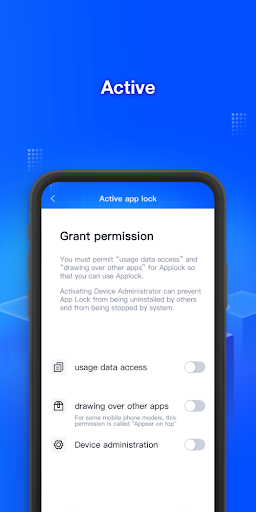
Please enable the Device Administrator permission in setting menu of AppLock Master, so nobody can uninstall or kill it without password. You can disable it when you want uninstall.
3) I forgot my password, How to find it?
Enter the wrong 3 times, the Forgot password dialog box pops up, enter security answer, you can reset password.
40 How to uninstall?
Enter the settings menu, click Device Administrator, disable it and you can uninstall.
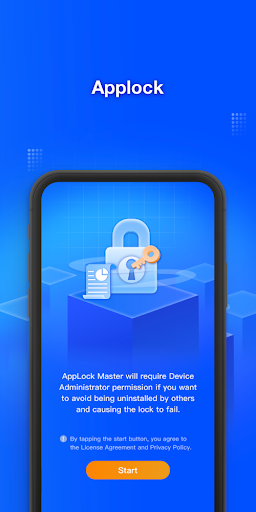
AppLock Master uses the Device Administrator permission.
To enable Advanced Protection, please activate AppLock Master as "device administrator". It's only used for preventing intruders uninstalling AppLock.
Please be assured that AppLock Master will never use these permissions to access your private data.