Neon Effect Photo Editor
com.lemonapps.neoncolorphotoeditor
View detailed information for Neon Effect Photo Editor — ratings, download counts, screenshots, pricing and developer details. See integrated SDKs and related technical data.

Screenshots


Description
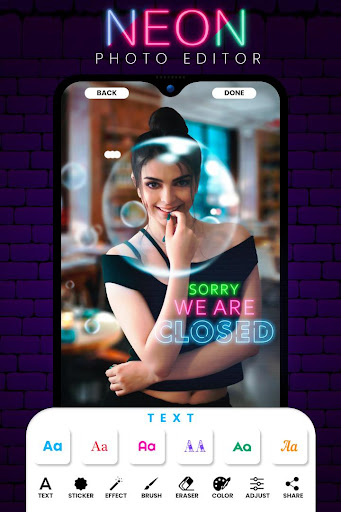
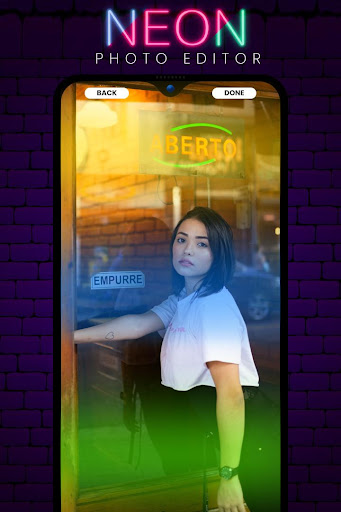
Edit your photo like a pro with neon light, neon effect, and neon spiral and neon art. Let try and make different things!
How to use:-
1, First, please select a photo.
2, Cut out the photo in the size you like.
3, You can draw the effect like a neon sign by touching it with a finger.
4, Save can be easily saved by touch.
5, You can enjoy by SNS, email and stamp.
Use any shapes or text as a mask. Set the background brightness to a minimum or maximum to get a black or white background. Erase shapes and text using an eraser.
App makes your photos beautiful & stylish with easy and powerful editing tools. In this you can easily change the color of the photos with neon stickers.
Photo filters look good, but neon is created not only for this. Add caption to the image is necessary sometimes, but plain text is boring... Try neon text! Write in your own language or on any other. Neon supports multi-line text.