JUNG KNX SECURE SCANNER
com.jung.fdskscanner
View detailed information for JUNG KNX SECURE SCANNER — ratings, download counts, screenshots, pricing and developer details. See integrated SDKs and related technical data.
Screenshots


Description
The JUNG KNX SECURE SCANNER app closes the interface between installer, distribution engineer and system integrator.
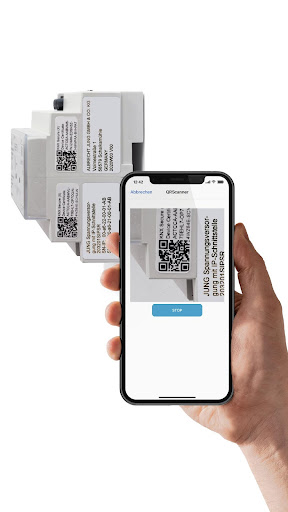
KNX Secure offers particularly effective protection by encrypting telegrams with the AES128 algorithm. In order for a KNX system to be secure, specialist installers need the device certificates of the individual KNX Secure components. They are printed as QR codes directly on the JUNG devices and must be imported into the ETS.
The easiest way to do this is with the JUNG KNX SECURE SCANNER app:
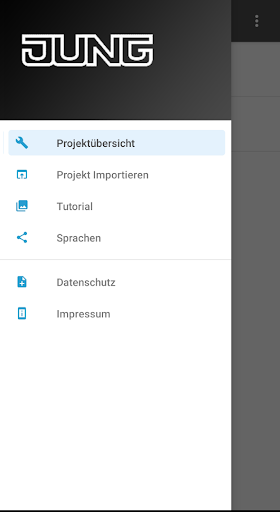
Use the JUNG KNX SECURE SCANNER to scan the QR codes on the devices. The secure keys appear in the app as a list view; time-consuming and error-prone typing of device certificates is eliminated. You can then use the app to create a protected JSON file or list the secure keys for documentation in a password-protected PDF. Then send the device certificates in the protected JSON file to the system integrator. This can easily import the data into the ETS using the JUNG ETS Key Loader (ETS AddOn).
In this way, JUNG KNX SECURE SCANNER saves time and costs and easily bridges the distance from the construction site to the system integrator.