JINAIR
com.jinair.android
View detailed information for JINAIR — ratings, download counts, screenshots, pricing and developer details. See integrated SDKs and related technical data.

Screenshots


Description
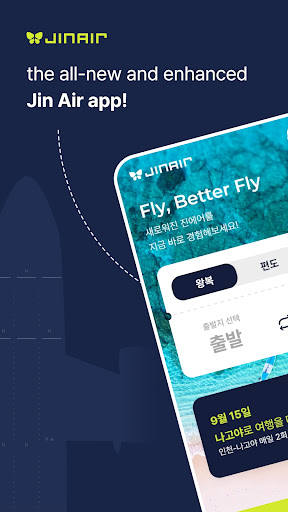
■ Available Services
- Flight booking, check-in, and boarding pass issuance
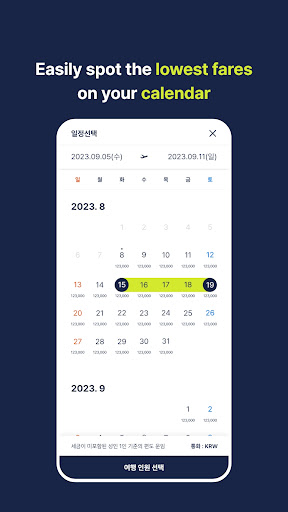
- Lowest fare information easily visible on the calendar
- Personalized services exclusively for mobile APP users
- Event benefits provided via APP push notifications
- Support for biometric passport scanning and shake-to-view boarding pass features
- View boarding pass and in-flight Wi-Fi information in offline mode
■ App Permission Consent Guidelines
Jin Air only accesses essential items necessary for the service based on Article 22-2 of the Information and Communication Network Act, and the details are as follows:
[Essential Access Permissions]
- Device ID and registration information: Device identification and app status check
[Optional Access Permissions]
- Storage space: Read or save files
- Camera: Passport scanning, e-Ticket, profile picture
- Photo : Setting Profile Image, Uploading Files
- Biocertification : Login Service, ID Verification
- Location information: Location-based airport counter and reservation guidance
- Notifications: Push notifications
* "Optional access permissions" are required when using the corresponding function, and even if not allowed, other services can still be used.
* We recommend updating to the latest version for using the Jin Air APP, and the supported OS specifications are Android 10 or higher.
* Jin Air Customer Service: 1600-6200