Volume Control: Show Native
com.iprototypes.volume
View detailed information for Volume Control: Show Native — ratings, download counts, screenshots, pricing and developer details. See integrated SDKs and related technical data.
- No items.

Screenshots
Description
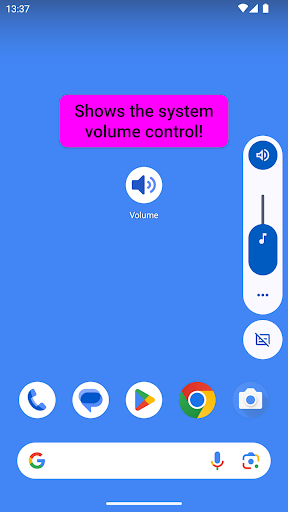
If the volume buttons are broken on your phone, show the native volume control with a simple tap! Yes, that's all the app will do ;-)
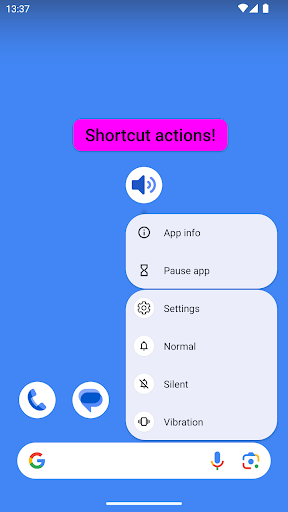
Want a floating Volume control? Long press on the app icon and then choose Settings from the pop-up menu. Floating control will be shown over other apps. Drag to reposition and long press it to show the Settings (this can also be changed to only allow dragging with a long press).
Use a Quick Settings tile (for Android 7 and above) to show a control above the Notifications panel. If the Quick Settings Tile is not working, try the new Setting that sets an alternative method.
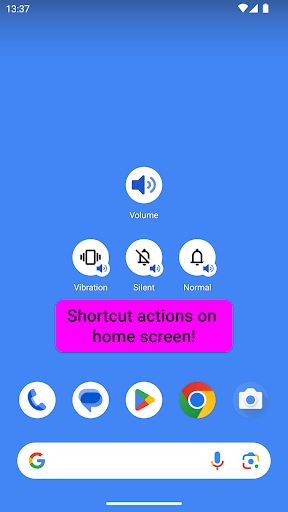
Shortcut actions available (for Android 7.1 and above) - long press the app icon to set the mode:
- Vibration
- Silent
- Normal
The app can also be set as 'Default digital assistant app', so that a long press on the Home/Power button could be used to launch it.