Text Scanner (Image to Text)
com.ilyo.textscanner
View detailed information for Text Scanner (Image to Text) — ratings, download counts, screenshots, pricing and developer details. See integrated SDKs and related technical data.

Screenshots

Description
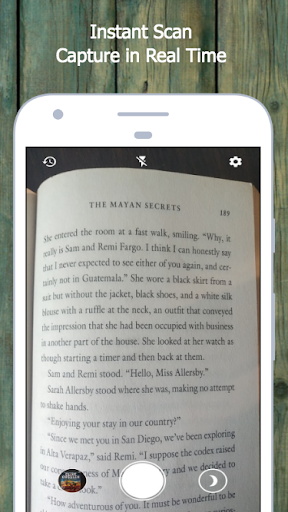
Text Scanner (Image to Text) is an OCR app, that help you easy to convert image to text: scan document, scan and detect phone number, email, website url, business card, etc… with very high accuracy in few seconds.
You can easily convert any image to text, using your camera or directly from your gallery. In addition, you can manage your generated Texts and modifying them anytime.
Create in seconds PDF and TEXT files from photos and documents.
✧ Recognized Languages :
Our Text Scanner app can recognize text from image in any Latin based language. This includes:
- Catalan
- Danish
- Dutch
- English
- Finnish
- French
- German
- Hungarian
- Italian
- Latin
- Norwegian
- Polish
- Portugese
- Romanian
- Spanish
- Swedish
- Tagalog
- Turkish
✧ Features
◼ Simple design and easy to use.
◼ Convert images to text fast, simple with high accuracy.
◼ Text scanning results are saved in the application's storage directory.
◼ Support scanning the images containing 18 different languages.
◼ Adjust camera brightness with pinch to zoom option.
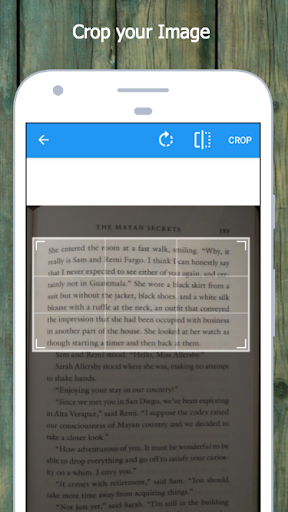
◼ Crop any image in seconds, it automatically recognize the characters from it.
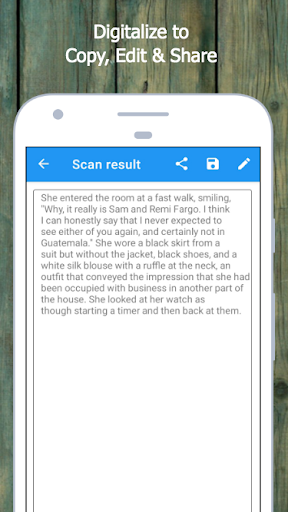
◼ Easy text editing and saving: After converting images to text, you can proceed to copy, edit, save and manage that text.
◼ Display the history of the scanning results, with modification and deletion options.
◼ Convert scanning results to PDF or TEXT simply and accurately in seconds: Create PDF and TEXT files from photos and documents.
◼ Use camera flashlight: this helps give you a nice sharp image without a lot of noise.
Scan and recognize text with very high accuracy using our Text Scanner OCR app for free.
No need for subscription or anything, Get our Text Scanner (Image to Text) app for FREE. (Ads only)