Analog Clock Live Wallpaper
com.hyperq.livedayson
View detailed information for Analog Clock Live Wallpaper — ratings, download counts, screenshots, pricing and developer details. See integrated SDKs and related technical data.

Screenshots
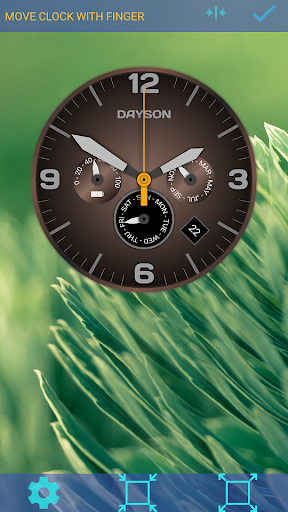
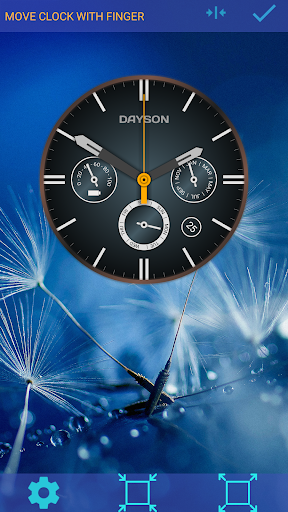
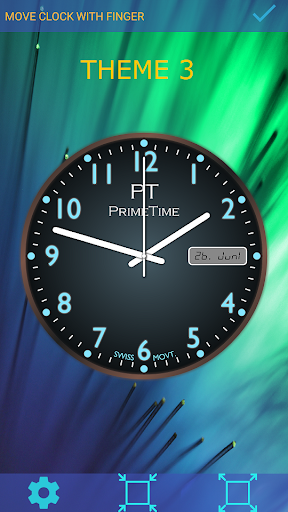

Description
Dayson watchface fit the look perfectly to your wishes..
(No widget, this is a live wallpaper)
This live wallpaper uses your current background image. (We need your permission to access it.)
Characteristics:
* Size of the watch. (stepless)
* Move the clock on the screen. (stepless)
* Color of the clock (background color, and face)
* The application uses your current background image.
* Or you choose a picture from your gallery.
* Option to Scroll the Wallpaper.
* Option to Scroll Clock.
To use a different background image, first select a "normal" background image, and then use this application as described below.
How to use the clock:
To select this background image,
Long press the Home screen> Select Live Wallpaper> and select this application> Click "As Background Image".