@Voice Floating Button Plugin
com.hyperionics.avarfloatbtn
View detailed information for @Voice Floating Button Plugin — ratings, download counts, screenshots, pricing and developer details. See integrated SDKs and related technical data.

Screenshots
Description
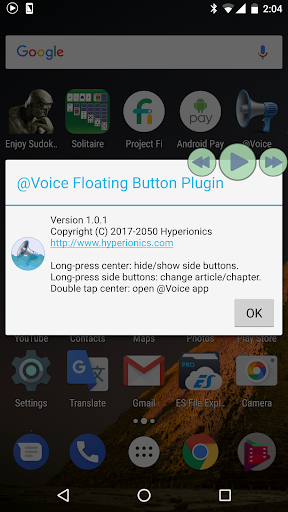
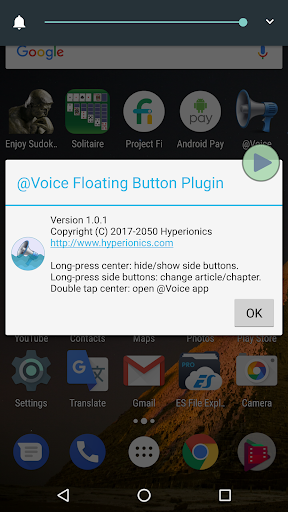
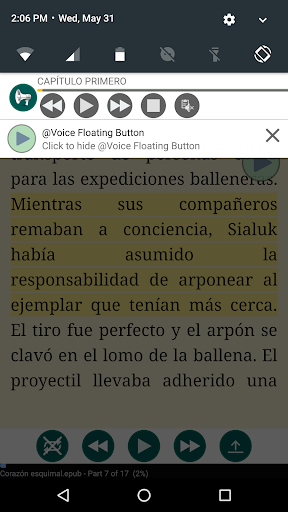
@Voice Floating Button Plugin is not a stand-alone application. It is for use with @Voice Aloud Reader only, providing a "floating" button that stays on top of any other screen, until disabled. Provides Play/Pause functions, and upon long press shows or hides two smaller side buttons that let you advance or backup reading aloud by sentences, or upon long press - jump to the next or previous article on your reading list. Easily move to any place on the screen, or hide/show the button from the notification.
In the main @Voice app, activate this button through the Settings menu - Screen and sleep timer settings - Show @Voice floating button... checkbox.