TXT Official Light Stick Ver.2
com.hybe.txtapp2
View detailed information for TXT Official Light Stick Ver.2 — ratings, download counts, screenshots, pricing and developer details. See integrated SDKs and related technical data.

Screenshots
Description
[Key Features]
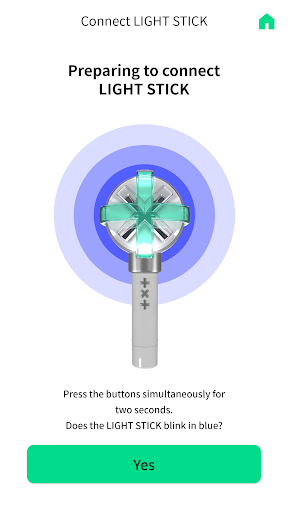
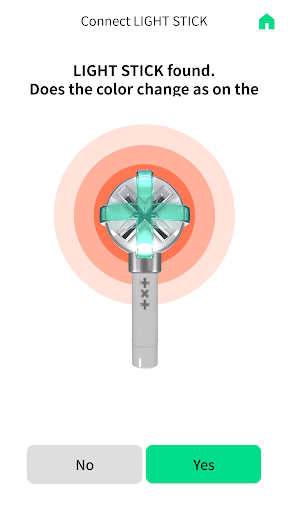
1. Smartphone Bluetooth Connection
Press the two buttons for 2 seconds to turn on the Power & Bluetooth function.
Activate Bluetooth on your smartphone, and bring the light stick close to the screen.
If you can't connect to Bluetooth, check if the GPS is turned on.
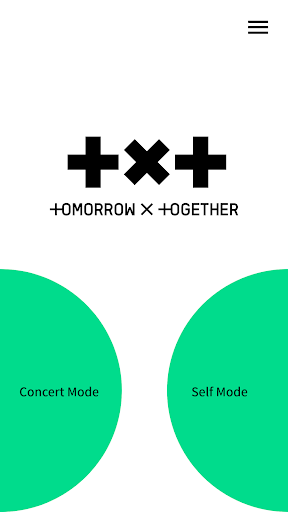
2. Concert mode
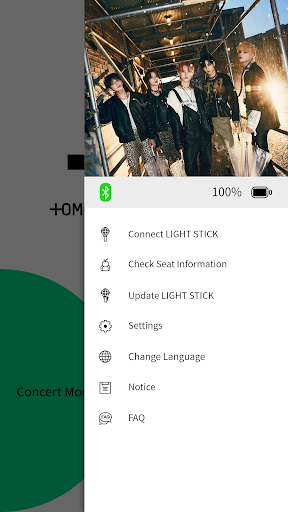
Enter your concert ticket information and pair your light stick. You can enjoy various stage effects during the concert. This menu will be enabled several days prior to a concert.
3. Self mode
After connecting your light stick with a smartphone, you can change the LED lighting color by selecting your preferred color from the app.
[Important Information]
- Before the concert, check your ticket information and register on your light stick through this app.
- Please enjoy the show from the same seat which is registered on your light stick. If you move to another seat, this may interfere with the proper operation of the “Official Light Stick Wireless Control” feature.
- Please check the battery level before the show, to make sure the light stick does not shut off during the show.
- If you have trouble entering your seat information, you can ask for help from the support staff at the venue.
※ Required access permission
To use the app and the light stick, the following permissions are required:
- Location : Required to provide information on the concert time
- Storage : Required to save the app's essential information
- NFC : Required to check ticket information
- Bluetooth : Required to control the LIGHT STICK via Bluetooth and access user's location