HUMAX Cast
com.humaxdigital.mobile.playmote.phone
View detailed information for HUMAX Cast — ratings, download counts, screenshots, pricing and developer details. See integrated SDKs and related technical data.

Screenshots

Description
Welcome to HUMAX Cast!
HUMAX Cast allows you to :
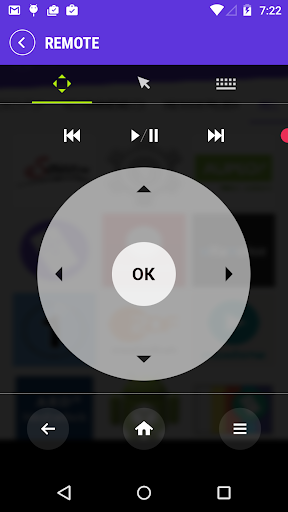
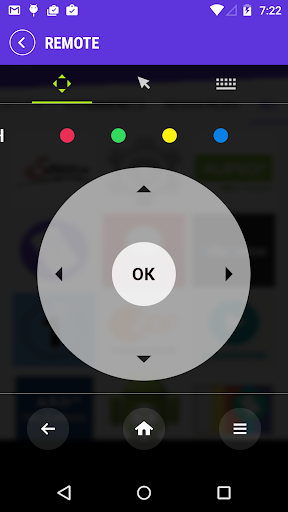
- Control your HUMAX OTT player from your mobile device.
- Enter text using your Android device’s keyboard instead of included remote.
- Move mouse pointer everywhere you want using touch pad
- Cast your contents to TV directly by one simple touch.
- Check all kind of applications at a glance.
(Note : All HUMAX Cast feature may not support from all OTT device. Cast feature is only possible with H1/DE player now.)
REQUIREMENTS
- HUMAX OTT Player. (H1, H3)
HOW TO CONNECT?
- Make sure that your OTT player and mobile phone should be connected to the same network.When you install the HUMAX Cast for the first time, your mobile phone scans your OTT player. The PIN code appears on your TV.Enter the PIN code on your mobile phone to pair with your OTT player.
(Note: Tap Device Scan on your mobile phone if the PIN code does not appear on your TV.)