Voice Keyboard
com.hovering.voice.keyboard
View detailed information for Voice Keyboard — ratings, download counts, screenshots, pricing and developer details. See integrated SDKs and related technical data.
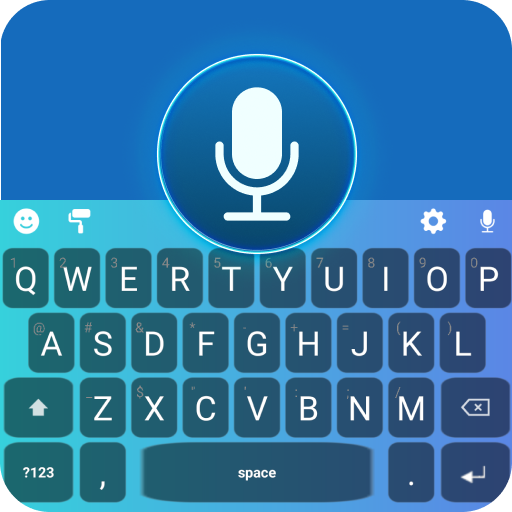
Screenshots

Description
Type, chat, and communicate with Voice Keyboard—a simple, elegant voice typing (speech-to-text) keyboard for everyday messages, emails, and notes. Use your voice or the keys, then refine text with on-keyboard tools for Translate, Grammar Check, and Write Reply.
Core keyboard:
One-tap voice typing: press the mic and speak naturally.
Dark keyboard themes: choose styles that feel comfortable.
Dictionary: look up word meanings inside the app.
Language selection: pick languages for voice typing and translation.
Tools within the keyboard:
Translate text before you send it.
Grammar Check to fix common mistakes.
Write Reply suggestions you can review and apply.
Also in the app:
AI Chat Assistant for drafting ideas and learning support.
Press the mic to start voice typing anywhere you can type.
What’s new:
On-keyboard Translate, Grammar Check, and Write Reply.
Stability and performance improvements.
For complaints/queries/suggestions: hoveringfleet@gmail.com
Online features may require an internet connection. Availability and results can vary by device, language, and context—please review text before sending. The assistant offers general information and is not professional advice.