Audio Tag Editor - Mp3 Tagger
com.hitrolab.mp3tagger.tageditor
View detailed information for Audio Tag Editor - Mp3 Tagger — ratings, download counts, screenshots, pricing and developer details. See integrated SDKs and related technical data.
- No items.
Screenshots
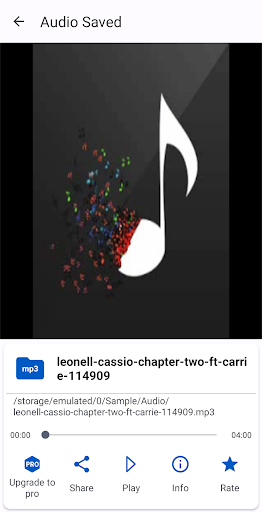
Description
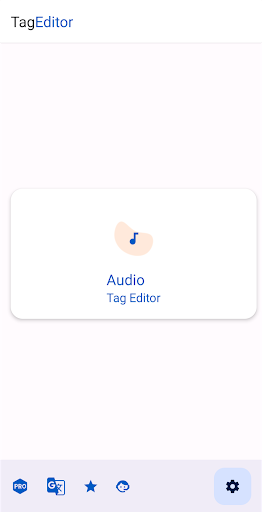
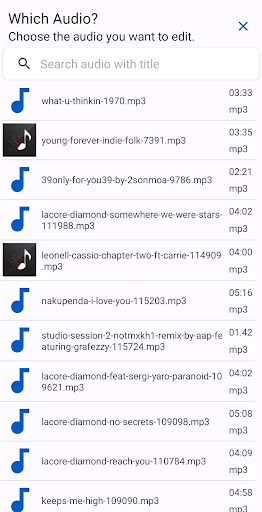
Audio Tag Editor - Mp3 Tagger is a powerful and easy-to-use tool to edit the metadata of audio files. The Ultimate Music Tagging Solution for Your Library
Unleash the power of Audio Tag Editor, the most comprehensive and user-friendly music tag editor on Google Play. Say goodbye to disorganized music libraries and hello to perfectly tagged tracks that enhance your listening experience.
Editing song title, cover art, artist, album, album artist, year, genre, track number, disc number, comment, lyrics.
Audio Tag Editor - Mp3 Tagger supports tag editing of ID3v1, ID3v2.3, ID3v2.4, MP4, WMA, Vorbis and a variety of audio formats.
Music tags and cover art are written directly into files and don't disappear after files are moved or the device rebooted.
Seamlessly Edit Every Detail
Effortlessly edit all essential tag information, including song title, album art, artist, album, year, genre, track number, and more. Our advanced tag editor supports ID3v1, ID3v2.3, ID3v2.4, MP4, WMA, Vorbis, and a wide range of audio formats.
Stunning Album Art
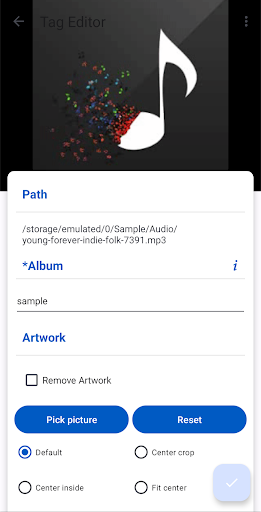
Add or modify album covers with ease, giving your music library a visually appealing touch. With Audio Tag Editor, your music will stand out with beautiful and accurate artwork.
Edit all the most known tag information
‣ Cover Art
‣ Album
‣ Audio Title
‣ Artist
‣ Album artist
‣ Year
‣ Genre
‣ Disc number
‣ Track number
‣ Encoder
‣ Language
‣ BPM
‣ Key
‣ Composer
‣ Comment
‣ Lyrics
Comprehensive Features
- Support for Cover Art Add and modify album covers to your audio
- Support for editing music on SD cards
- Delete tag option for a clean slate
- Save audio artwork for future use
- Lyrics search to complete your music metadata
- Album art auto and web search
Supported Audio Formats -
- Mpeg Layer 3 (mp3)
- Windows Media Audio (wma)
- Ogg Vorbis (ogg)
- Opus (opus, oga)
- MPEG-4 (mp4, m4a, m4b, m4p)
- Free Lossless Audio Codec (flac)
- Audio Interchange File Format (aif / aifc / aiff)
- Direct Stream Digital Audio (dsf, dff)
- WAV (wav)
Perfect for Music Tag Editors
Audio Tag Editor is the perfect companion for anyone looking to organize their music library. Whether you're a music enthusiast, a DJ, or a musician, our app empowers you to create a perfectly tagged music collection that enhances your listening experience.