LaserPecker Design Space
com.hingin.lp1.hiprint
View detailed information for LaserPecker Design Space — ratings, download counts, screenshots, pricing and developer details. See integrated SDKs and related technical data.

Screenshots

Description
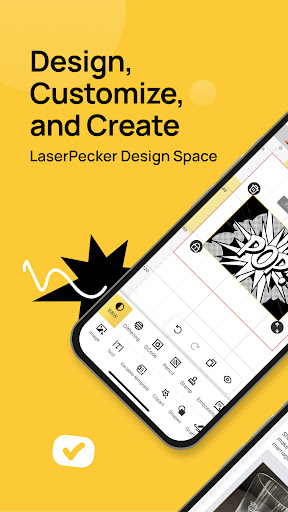
LaserPecker Design Space is a comprehensive software solution developed specifically for LaserPecker laser machines. It seamlessly integrates design, editing, and machine control functionalities, enabling a streamlined and efficient engraving and cutting workflow. Whether you're using a mobile phone, tablet, or laptop, the LaserPecker Design Space provides a consistent and user-friendly experience.
Design, Control and Engrave
1. Connect your machine via Bluetooth or WiFi and start the engraving process on the go.
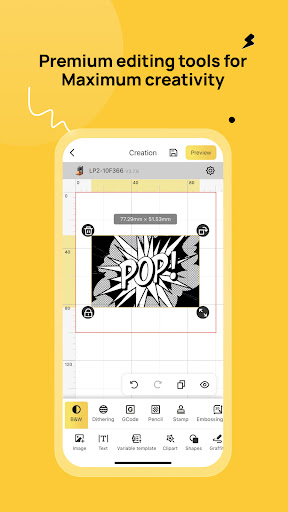
2. Quickly upload photos, patterns, and images of various formats to create your custom designs.
3. Select materials and precisely control engraving settings to achieve your desired results.
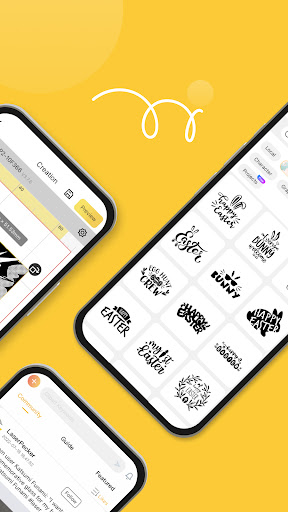
4. Access a rich collection of shapes and upload your own local files.
5. Easily generate barcodes and QR codes for batch laser marking.
6. Preview your project in real-time, and fine-tune the position and size on the material.
7. Explore inspirations from the LaserPecker community Craftzone. Get the project with one-step engraving procedure.
*Note*
This app is compatible with LP2, LP3, LP4, LP5, and LX1 laser machines. To ensure optimal performance, please make sure to update your machine's firmware to the latest version.
For users with the LP1 series or earlier versions of the LP2 and LP3 models, we recommend downloading the Community Version App - LaserPecker, or using our PC software instead.