10 Minutes HIIT Cardio Workout
com.hicaltech87.hiit10minutescardio
View detailed information for 10 Minutes HIIT Cardio Workout — ratings, download counts, screenshots, pricing and developer details. See integrated SDKs and related technical data.

Screenshots

Description
10 Minutes HIIT Cardio Workout is one of many fitness app, with purpose to improve physical fitness.
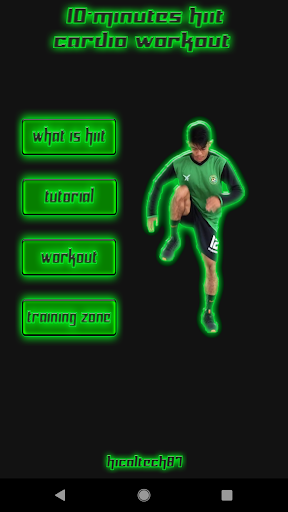
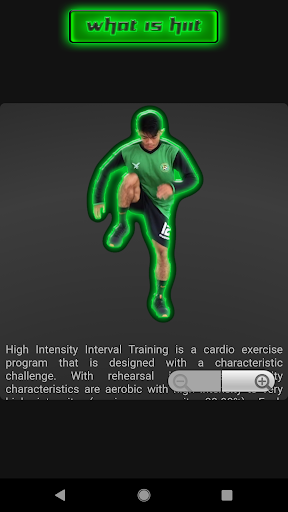
HIIT is abbreviation from high intensity interval training. In this app, users will presented with 4 menu button in menu interface. That is, What is HIIT, Tutorial, Workout, and Training Zone.
To use this 10 minutes HIIT cardio Workout app, below explanation about how to use this app.
Instructions.
You can workout by following workout that shown in this app.
When your ready to workout, just click the workout button on the interface menu.
After that, the workout will begin. Just follow the instruction to do workout.
The exercise in this apps, named 10 minutes HIIT cardio workout.
After your finish doing workout, and then will prompt option to check your heart rate.
Check your heart rate per minute. And then click yes button to showing up the training zone menu.
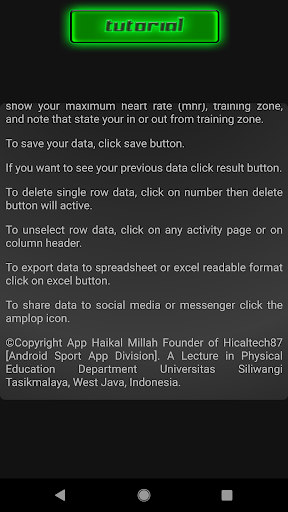
In Training Zone Menu, input your name, age, and heart rate after workout. And then click the process button to show your maximum heart rate (mhr), training zone, and note that state your in or out from training zone.
To save your data, click save button.
If you want to see your previous data click result button.
To delete single row data, click on number then delete button will active.
To unselect row data, click on any activity page or on column header.
To export data to spreadsheet or excel readable format click on excel button.
To share data to social media or messenger click the amplop icon.
The Training zone that used in this app is 60% - 85% from MHR (maximum heart rate). Formulation to knowing MHR is 220-age.
So every age have different MHR.