Always on display - Always On
com.heroiclord.alwaysondisplay.clock.memes.edgeclock
View detailed information for Always on display - Always On — ratings, download counts, screenshots, pricing and developer details. See integrated SDKs and related technical data.
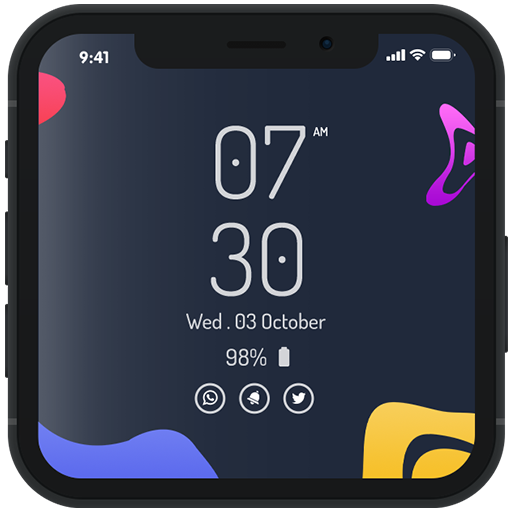
Screenshots


Description
Always on display - Always On AMOLED, edge clock provides information about, time, date, notifications and more and all without having to touch the phone. Just by looking at it. This is made possible thanks to Always on Display. Most of the screen stays black except for a few pixels.
Always on display shows display clock backgrounds on screen. Super AMOLED shows date and time on screen. Always On clock display keep your screen on all the time to show you time in a digital and analog clock theme. Always on display photo clock is a super AMOLED application that show all information like date time.
Always on display - Always On AMOLED keep your screen on all time when you lock your screen with information like date, time, battery percentage, notifications of calls and SMS on black background without touching screen always display on screen with less battery consumption. Mostly part of the screen is black except some information part so that screen look awesome when look on screen.
😏 Always on display - Always On AMOLED, edge clock Features 😏
-------------------------------------------
✔ Easy to use Always on Display.
✔ Great design and awesome performance.
✔ Change font size, color.
✔ Change clock style (digital, analog).
✔ Display battery level.
✔ Display notifications information.
✔ Display Preview
✔ Set position Left & Right
✔ You can set your custom clock with your custom text.
✔ Select the information that will be displayed on the screen.
✔ You can add your important information your remainder as a memo.