All document reader & PDF
com.handyapps.pdfviewer
View detailed information for All document reader & PDF — ratings, download counts, screenshots, pricing and developer details. See integrated SDKs and related technical data.

Screenshots


Description
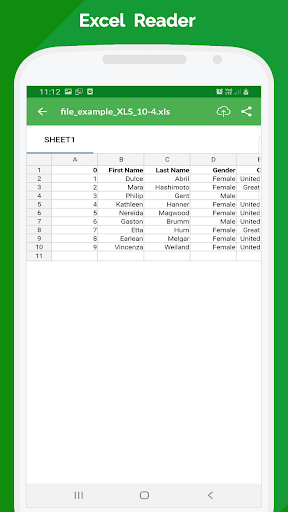
This app gives you the all in One feature to View & reader documents offline in more than 10 formats. Pdf, Doc, Ppt, Xlsx, Txt, rtf, xps, html, xml, e-book etc.
In this you can View, Read, Manage & Share all the supported documents in your mobile phone. Also provides many functionality that too with multiple options like share, delete, rename, upload file to google drive, path details, favourite file.
【Docx Reader - Highlights Features】
📑 Simple Interface
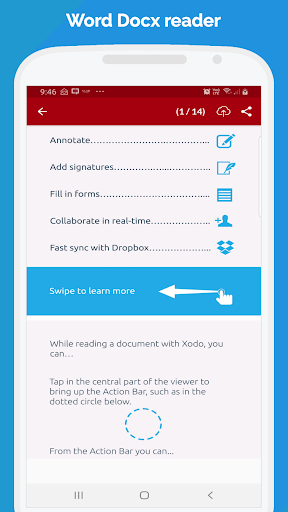
Read any Docx file with an elegant reader screen with the perfect set of controls.
🔒 App Lock:
➡️ Lock the app with a PIN, Password, or fingerprint.
➡️ Prevent unauthorized access to your sensitive documents.
➡️ Customize lock settings for enhanced security.
➡️ Don’t compromise on your privacy
📚 Powerful browser
The app lists all the Word files in your device in a single place so that you can easily scroll through and find the right file.
🔍 Intuitive search bar
Hunt for your desired file with simple keywords.
🎯Locate Recent Files
Keeps a tab on files that you have recently opened and viewed.
Delete/Rename at ease
Effortlessly swap names, delete unwanted ones, and make it work your way.
Work with favorite files:
Mark most viewed or important files as favorites and work on them easily.
Safe and secure with cloud backup:
Document Manager and Docs reader helps you backup files to the cloud using google drive. This is an effective way to prevent data theft or loss.
🛠️ Offline Document reader:
Access your documents with zero interruptions. The offline reader makes the app travel friendly and apt to work remotely yet resourcefully.