Handwriting Keyboard
com.handwriting.input.keyboard.text.maker
View detailed information for Handwriting Keyboard — ratings, download counts, screenshots, pricing and developer details. See integrated SDKs and related technical data.
Screenshots
Description
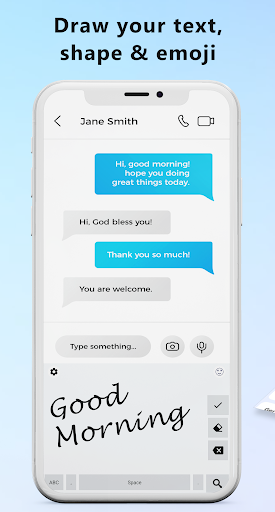
Handwriting Keyboard application provide you feature to generate emojis, words, letters and fonts by drawing or you can say writing.
All languages Handwriting Keyboard support all languages to convert the Handwritings to Actual Text. App also converts Hand Drawn Emojis and Shapes to Phone’s Emojis and Shapes.
Handwriting Keyboard app has a User-Friendly Interface for the ease of users. You can draw and generate actual text, emojis and shapes easily.
Steps to Use Handwriting Keyboard :
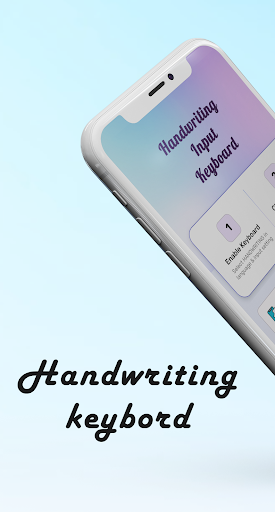
1. By pressing on button Enable Keyboard from application enable "Handwriting Keyboard".
2. Select "Handwriting Keyboard" by pressing on change keyboard button from application.
Features :
1. Handwriting Keyboard for typing by drawing characters or emojis.
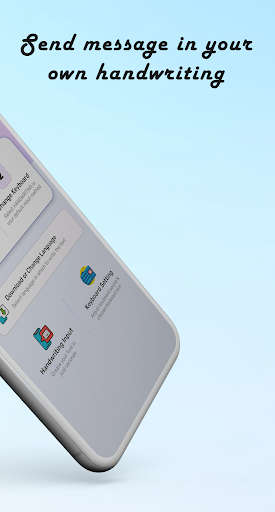
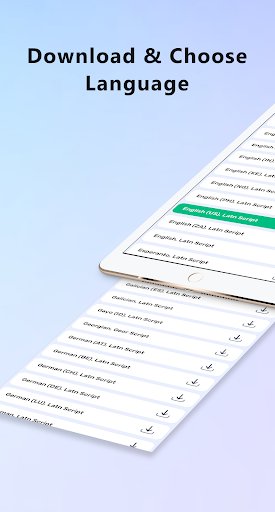
2. Easily download your favorite language, emoji or shapes and draw it to convert it into actual text or emoji form.
3. Generate emoji, shapes and actual text and share it anywhere.
4. Keyboard settings for dark-light theme, on/off suggestions, auto capitalization, key press sound, vibration on key press and popups on key press.