Great Books Plus
com.greatbooksplusreader.cloudreader
View detailed information for Great Books Plus — ratings, download counts, screenshots, pricing and developer details. See integrated SDKs and related technical data.

Screenshots



Description
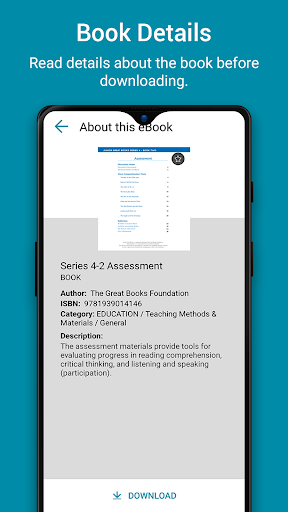
Great Books Plus is a new Android app that supports student learning and engagement with Junior Great Books while offering classroom management tools and analytics. Enjoy all the features and benefits of Great Books programs, plus so much more!
Great Books Plus is also a great app for an individual to read all of the digital Great Books titles published by the Great Books Foundation. Book Discussion groups can use the collaboration features of Great Books Plus to share notes and discuss books inside the app.
Works with Your Android Technology
- Integrates with your school’s LTI-compliant LMS (optional)
- Read and work offline (work syncs when user goes back online)
Manage Your Classroom
- Create and manage class rosters
- Make and share assignments
View Student Analytics
- Track reading progress
- Note number of minutes spent reading
- View number of notes made and shared
Customize Your Lessons
- Upload related videos
- Show images, maps, and informational graphics
- Add additional texts or instructional support
Respond to Student Work
- View and grade student work
- Respond to questions and comments
- Give individual or whole-class feedback
Interactive Student Support
- Listen to professional audio recordings
- Access glossary of unfamiliar words
- Submit work for review or feedback
- Share questions and annotations with individuals or group
- Respond to classmates’ questions and teacher feedback
Student Annotation Tools
- Highlight text with contrasting colors
- Write or draw with a pen tool
- Type comments and questions