BlackTransparent GO Widget
com.gau.go.weatherex.theme.gowidget.blacktransparentskin
View detailed information for BlackTransparent GO Widget — ratings, download counts, screenshots, pricing and developer details. See integrated SDKs and related technical data.
Screenshots


Description
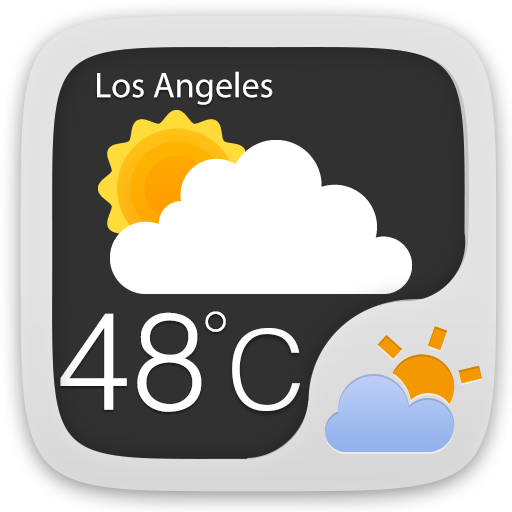
BlackTransparent GO widget supports 4*1, 4*2, 2*1 sizes. It delivers the most accurate weather information from anywhere at any time.
GO Weather EX- To Be Your Best Weather Prophet Forever!
◆How to apply the theme?
1. Make sure you have installed the latest version of GO Weather EX
2. Open the GO Weather EX->Press the themes->Click the "Installed" Tab->Click the "GO Widget"
3. Find the theme you have installed in "Syterm Widget" or "GOWidget" and apply it.
4. GO to the launcher homescreen and add the goweatherex GO widget
◆How to add a GOWidget?
1. Press “menu”- choose “add”-choose “GOWidgets”-Find GO Weather EX
2. Make sure you have enough space for placing the widgets