Default Dynamic1.0 GOWeatherEX
com.gau.go.weatherex.dynamicsbg.defaultv1
View detailed information for Default Dynamic1.0 GOWeatherEX — ratings, download counts, screenshots, pricing and developer details. See integrated SDKs and related technical data.
- No items.
Screenshots


Description
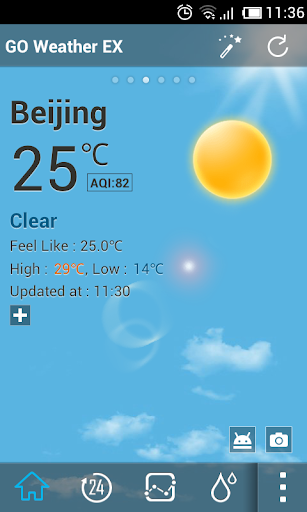
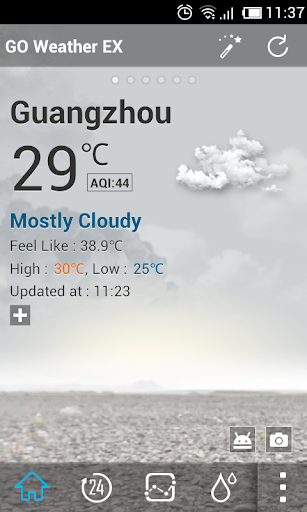
This dynamic background is the Default Dynamic of GO Weather EX. It is the same as default dynamic background.
The default background would be improved to Default Dynamic 2.0 in the next version of GO Weather EX. If you like default dynamic 1.0, you can download and apply it now.
Default Dynamic1.0 displays dynamic backgrounds for 7+ weather conditions: sunny, rainy, snowy, thunder, cloudy, overcast, foggy, etc.
GO Weather EX - To Be Your Best Weather Prophet Forever!
◆How to apply the theme?
1. Make sure you have installed the latest version of GO Weather EX
2. Open the GO Weather EX->Press the themes->Click the "Installed" Tab->Click the "background"
3. Find the theme you have installed in "Background" and click to apply it.