Airplay screen Phone Projector
com.gamestudio.smart.share.tv.screen.cast.mirroring.connect
View detailed information for Airplay screen Phone Projector — ratings, download counts, screenshots, pricing and developer details. See integrated SDKs and related technical data.
- No items.

Screenshots

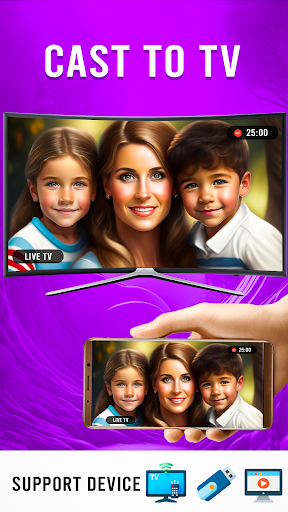


Description
Airplay Screen Phone Projector app is used to share the mobile screen to the connected device. App user interface is simple but attractive. Now you can easily share an airplay screen to TV, tablet or other mobile. It acts as a phone projector that reflects your screen to the other screen. Discover the ultimate in wireless streaming with AirBeam tv!
Imagine enjoying your favourite music, videos, or presentations with the simplicity of AirPlay. This cutting-edge feature enables you to wirelessly transmit high-quality audio and video, enhancing the overall user experience. Whether you're hosting a movie night, giving a business presentation, or simply want to amplify your music library, AirPlay offers unparalleled convenience.
"Experience unparalleled versatility with the Phone Projector – a pocket-sized marvel that turns any surface into a cinematic delight. The Phone Projector enhances your viewing experience, projecting vibrant content effortlessly. Elevate entertainment with the Phone Projector – your portable powerhouse for immersive visuals on the go." " AirBeam tv ensures seamless connectivity, AirBeam tv, bringing your content to life effortlessly."
How to Use Airplay screen Phone Projector
Your TV must support wireless display or any kind of screen share airbeam.
Smart TV must be connected to the same wifi network as your phone.
If you have any question kindly mail us on mobo.games123@gmail.com