INSTAX SQUARE Link
com.fujifilm.instaxSquareLink
View detailed information for INSTAX SQUARE Link — ratings, download counts, screenshots, pricing and developer details. See integrated SDKs and related technical data.

Screenshots
Description
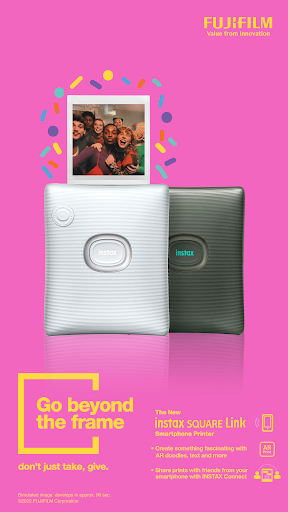
This app is exclusively for the Fujifilm INSTAX SQUARE Link printer.
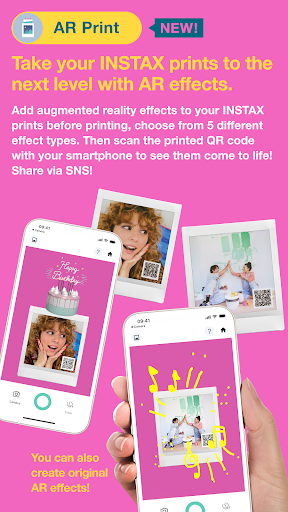
1. AR Print [NEW]
Add augmented reality effects to your INSTAX prints before printing. Then scan the printed QR code with your smartphone to see them come to life!
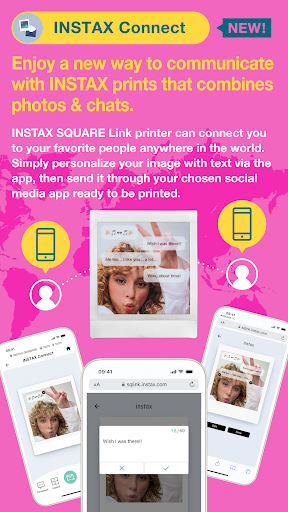
2. INSTAX Connect [NEW]
The SQUARE Link printer keeps you connected, no matter how far apart you are. Simply personalize an image with text via the SQUARE LINK app, then send it via your favored social media app, ready to be opened, printed, and treasured.
3. Simple Print
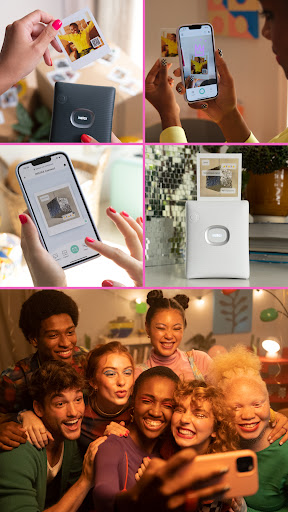
You’ve got your shot, now get creative. Add text, do a spot of cropping, alter the contrasts or saturation levels, maybe even apply a filter. Finally, connect wirelessly via Bluetooth to the SQUARE LINK and swipe up to print. Simple.
4. Editable Print
Add fun, decorative frames to your shots, create image collages or even add stickers with hundreds in-app stickers to choose from! From ‘Happy Birthday’ stickers to ‘I Love You’ stickers, you’ll soon know your favorites, ready for you to effortlessly add BEFORE printing.
5. INSTAX Camera
Print selfies instantly using INSTAX Camera mode. Take a snap in the app and then swipe up to print!
6. Sketch, edit & print
Create a sketch or text, then add them to your photos and print!
7. Enhanced Quality Photos
Print your photos just the way you like, whether it's with the conventional photo quality of ""INSTAX-Natural Mode"" or the new ""INSTAX-Rich Mode"", which features extra-vibrant color.
[Supported OS]
Android 11 or later