File Manager Classic
com.file.manager.windows.file.explorer.classic
View detailed information for File Manager Classic — ratings, download counts, screenshots, pricing and developer details. See integrated SDKs and related technical data.

Screenshots


Description
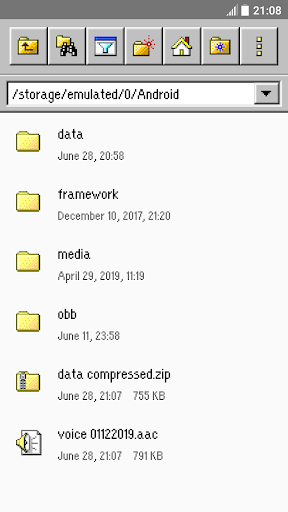
Fast, easy-to-use and full-featured file manager app with classic graphic user interface
File Manager Classic is a free tool that helps you find file faster, manage files easily, and share them offline with others. It supports tons of cool features: quick search, moving, deleting, opening, and sharing files, as well as renaming, unzipping, and copy-paste. File Manager Classic also recognizes multiple file formats, including music, videos, images, documents, APKs, and zip-files.
Key features:
- Very small app size
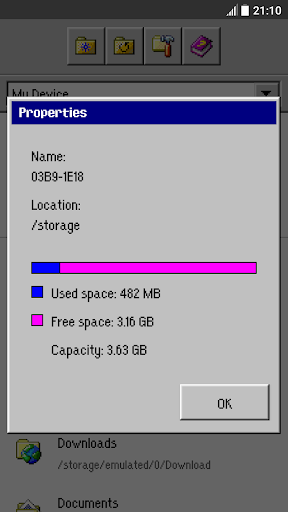
- Simple and easy-to-use, with computer classic graphic user interface
- Basic features like cut, copy, delete, compress, extract etc. easily accessible
- Storage: View your storage stats and manage all folders on your device.
- Quickly access history, access bookmarks or search for any file
- Multiple file formats support: Open videos, music, documents, APKs, and compressed files with one tap.
- File compression: Compress and decompress archives.
- Manage multiple files: Select multiple files for the same operation.
lots more...