ThemePlus: Theme, Icon Changer
com.fftools.iconchanger
View detailed information for ThemePlus: Theme, Icon Changer — ratings, download counts, screenshots, pricing and developer details. See integrated SDKs and related technical data.
Screenshots



Description
Customize the icon and name of any application!
Icon Changer will create a shortcut with a new icon on the home screen. This is the easiest way to decorate your Android phone.
The new icons can be chosen from lots of personalized icon packs, other app icons (for fake app), or your local image.
=> Icon Changer is a completely free and practical icon replacement application
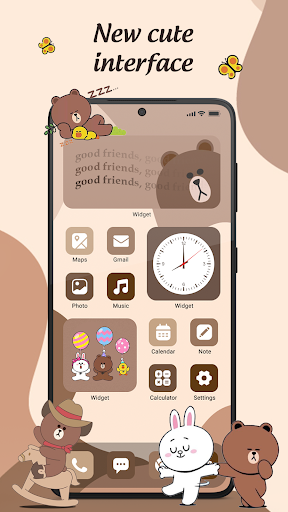
It is easy for you to design your phone's home screen in a personal style. Icon Changer allows you to choose wallpapers, choose icons, arrange widgets, and many other customizations.
*) Steps to change app icon
1. Open Icon Changer.
2. Choose an app.
3. Select a new icon from the built-in icon packs, your gallery, other app icons
4. Edit a new name (can be null) for the app.
5. Go to the home screen to see the new shortcut icon.
*) Use Icon Changer for hide app
1. Create a fake icon for the app you need to lock (For example, I want to lock Facebook, I create a shortcut with the image of Fakebook, but when I click it, it will open the Settings app)
2. Create a shortcut to your app with not relate icon
Icon Changer makes it easy to make your own home screen. Thank for download.