Fake Call - Prank
com.fakecallgame
View detailed information for Fake Call - Prank — ratings, download counts, screenshots, pricing and developer details. See integrated SDKs and related technical data.

Screenshots

Description
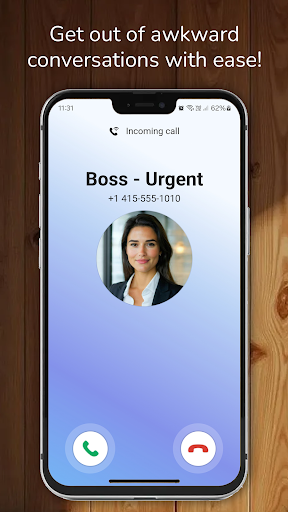
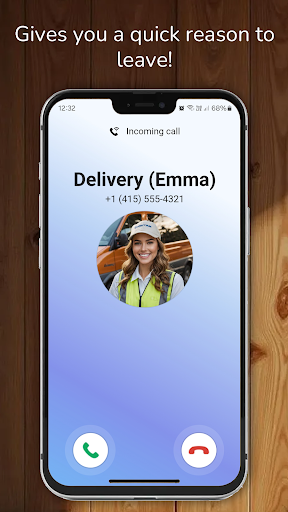
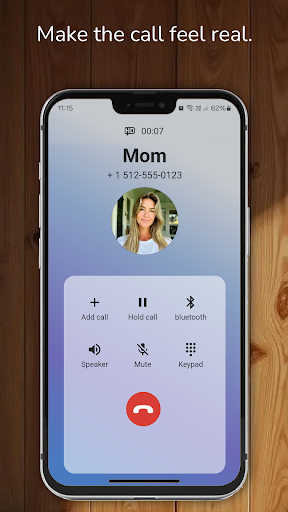
In Fake Call, you can simulate an incoming prank call.
How to use Fake Call - Prank:
- Tap "Simulate a Call" to trigger the fake call prank.
- Choose when you want the prank call to happen:
- Select "Now" for an immediate call,
- Choose "10 seconds" or "30 seconds" for a delayed call.
- After selecting your preferred time, tap "Simulate a Call" to start the prank.
Fake Call Prank features:
- Set the caller's name.
- Set the caller's number.
- Choose a caller's picture.
- Choose a character (e.g., police or pizza delivery).
- Set a ringtone or use the default ringtone.
- Set a voice for the caller.
- Record your own voice and add it from your media gallery.
Disclaimer:
Fake Call does not feature real incoming calls—it only simulates incoming calls for prank purposes.