Equalizer - Bass Booster
com.equalizer.bass.booster.flat.equalizer
View detailed information for Equalizer - Bass Booster — ratings, download counts, screenshots, pricing and developer details. See integrated SDKs and related technical data.

Screenshots



Description
Unlock the true potential of your music with Equalizer - Bass Booster, the ultimate equalizer & bass booster app designed for music enthusiasts! Elevate your audio experience with a powerful suite of features that enhance every beat, note, and melody.
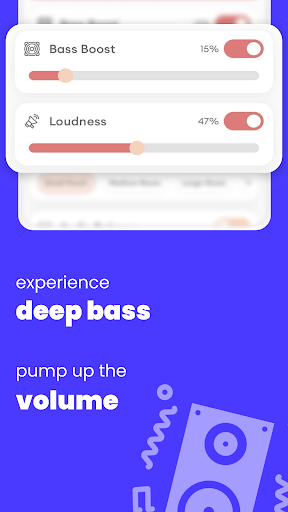
Elevate your music with precision control with equalizer, bass booster, loudness enhancer, and volume booster, all seamlessly integrated into a minimalistic interface.
🚀 Key Features:
• Intuitive and ad-free interface for a seamless experience.
• 10 Bands equalizer for precise control
• Bass Booster Effect
• Volume Booster Effect
• Loudness Enhancer Effect
• Audio balance Effect
• Save and manage custom Presets
• Backup and Restore saved profiles
• Compatibility with all the music and video player apps
Integration Steps for Equalizer - Bass Booster:
1. Start with Your Music:
Turn on your preferred music player and play your favorite tunes using Equalizer - Bass Booster.
2. Activate Equalizer - Bass Booster:
Launch the equalizer application. Enable any one of equalizer, bass booster, loudness enhancer, or volume booster, to tailor the output to your preferences.
3. Immersive Listening with Headphones:
Enhance your experience by using headphones for optimal results.
4. Closing Equalizer - Bass Booster:
Close the application seamlessly by opening the app and switching off equalizer switch or by tapping on stop button in notification.
5. Switching off Bass Booster:
Switch off the bass booster by toggling the bass booster switch. Alternatively, tap on the stop button in the notification panel to close bass booster optimisation.
📲 Download Equalizer - Bass Booster now and elevate your audio experience!