Allotawatch
com.edsoft.allotawatch
View detailed information for Allotawatch — ratings, download counts, screenshots, pricing and developer details. See integrated SDKs and related technical data.
- No items.

Screenshots


Description
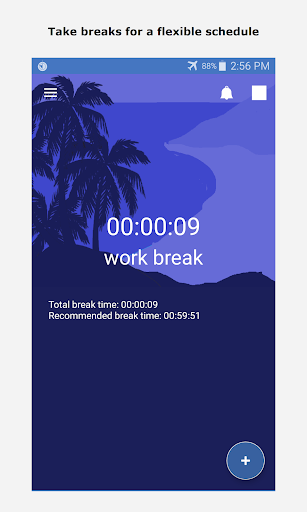
This app is a time management tool and multitasking app that lets you track how you spend your time. The app can also track your time on break. It can be used for short term goals like cooking or workouts as well as tracking long term goals or projects. Adding timers is quick and simple and switching between them only requires swiping the screen. The apps planning feature lets you list what you need to have completed and lets you divide your time between those tasks over a long period of time. This way you can set your goals first, and then try to meet them.
The app was inspired by an article from waitbutwhy.com that highlights how limited and valuable our time is. When we subtract our sleep, time for loved ones, and leisure, there is very limited time left for work. The app will help in ensuring you put it the time needed for work and effectively use it so that you can have a healthy balance of work, leisure, and rest.
Being able to quickly switch between tasks was added to allow having a flexible and reactive schedule instead of a rigid one. I am unable to focus on a single task for too long and my productiveness drops, I find that it helps to switch to another task that I want to complete to refresh myself as well as stay productive.
Other features that aid productiveness are,
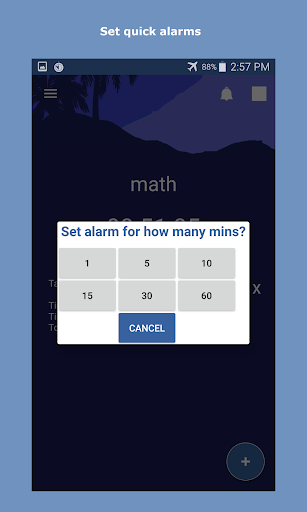
- parallel alarms for off the cuff alarms,
- notifications on how long a break has been going for,
- task information like overall time spent doing something as well as time since your last break,
- notifications for when you've met your time investment goal, and
- the ability to control the app from a notification icon.
If you are interested in the article from waitbutwhy.com about spending your time, the article is called \'100 Blocks a Day\' written by Tim Urban, and the link
waitbutwhy.com/2016/10/100-blocks-day